ADHD
Visual timer for kids: how to use one at home and in class
How a visual timer for kids helps toddlers, preschoolers and school-age children with transitions, with scripts by age, common mistakes and options.
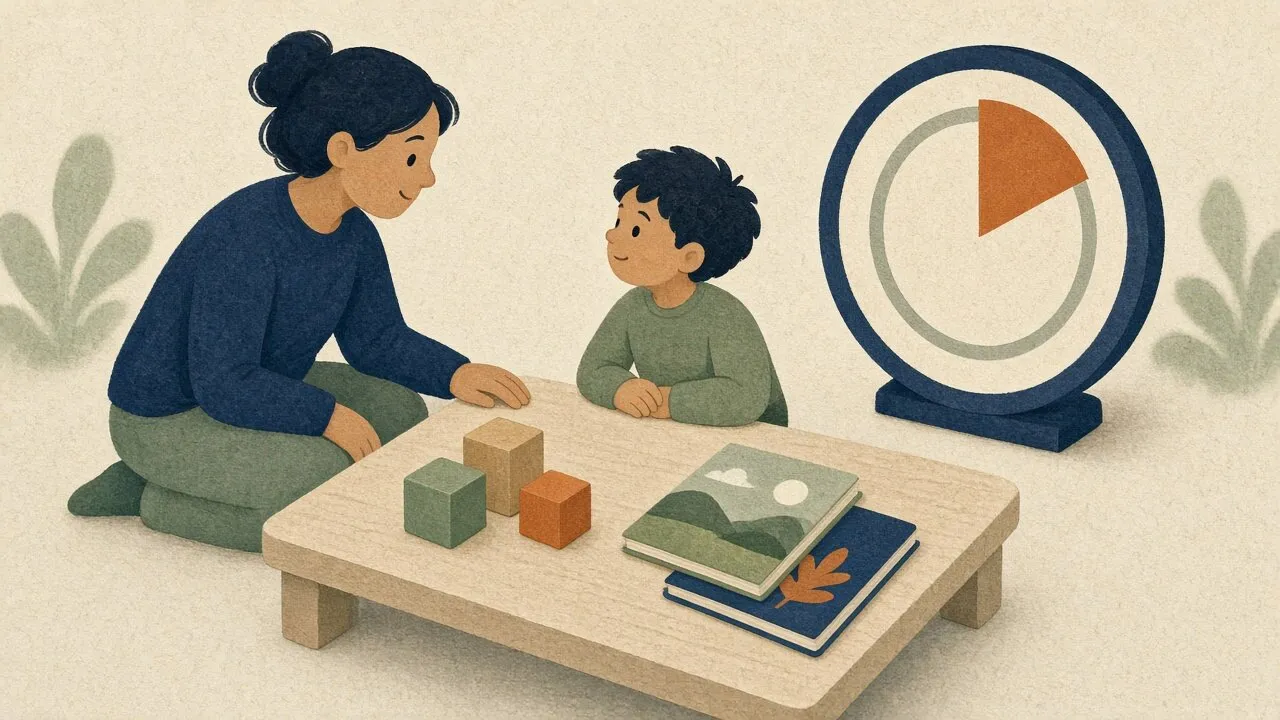
It's five minutes before leaving for school. You say "five more minutes, then shoes on." Your four-year-old nods and keeps stacking blocks. Four minutes later you say it again, louder, and the whole morning tips over.
The child isn't being difficult. "Five minutes" means nothing to someone who can't read a clock. It's a sound, not an amount.
A visual timer fixes that by turning time into something a child can see. A colored shape shrinks as minutes pass, and when it's gone, the activity ends. No arguing about how long is left, because the answer is in plain view.
Why do visual timers work for young children?
Most young children can't tell time, so they rely on routines to tell them what comes next. A guide from the Maryland EXCELS toolkit for early childhood programs puts it this way: since most young children can't tell time, the order of activities throughout the day serves as their clock.
That's why phrases like "in a minute" and "five more minutes" go wrong. They ask a child to hold an abstract amount in mind while something fun is happening. A shrinking disk skips that step. Less color means less time, and a child can see it without any numbers.
A resource page from the University of Colorado Denver says visual timers help children understand how much time is left and get ready for one activity to end and the next to begin. It adds that they can help children feel more in control and less anxious. Those are goals worth having, because transitions are where many days fall apart.
Head Start's classroom transitions video says the same thing from the teacher's side: transitions can be the most stressful and challenging times of the preschool day, and planning ahead with cues and visual supports makes them go better.
The timer doesn't change the fact that stopping something fun is hard. It makes the stop predictable, and predictable is easier.
Do visual timers help kids with ADHD or autism?
They often do, though a timer isn't a treatment and it won't work the same way for every child.
The Colorado Denver page says visual timers support all children and are especially helpful for kids with autism, developmental delays, or those who struggle with changes in routine. The Texas Education Agency's special education support library lists the visual timer as a tool for showing students the time left before a transition.
The logic for children with ADHD is the same as it is for adults. Many people with ADHD find it hard to sense time passing, which we cover in our guide to ADHD time blindness. A child who doesn't feel five minutes go by can't pace a task or brace for the end of one. A timer on the table does that job from outside.
Time Timer, the best-known brand, says its founder created the first visual timer because her youngest child struggled to move from one daily routine to the next. That origin story is worth knowing, though it's the company's own account, not a study.
If you're worried about your child's attention or behavior, a pediatrician or school psychologist can help with questions a timer can't answer.
How do you use a visual timer by age?
Age ranges are rough. Go by your child, not the calendar.
Toddlers (about 2 to 3)
Keep it tiny. One to five minutes is plenty, and a toddler's idea of "soon" is short. Sit with them and watch it together. Say what you see: "The red is getting smaller."
Model it before you rely on it. Set the timer for your own task, like washing a dish, and show that when the color is gone you stop. Toddlers learn a lot by watching.
Use it for one clear event at a time: bath is ending, we're leaving the park, one more book. Count the minutes as they drop, and have the next step ready so the end of the timer leads somewhere.
Dinner is a good place to try it. Many toddlers dawdle, and a timer set for 15 to 20 minutes gives the meal a visible end. When the disc is gone, dinner is over. In our house it took the nagging out of dinner.
Expect some protest. A timer won't remove every meltdown, and it shouldn't be asked to. The goal is a calmer, more predictable ending, not a child who never objects.
Seeing matters most at this age: toddlers can't read numbers, but they can watch a color shrink. They also like routine, so a timer used the same way each day becomes a predictable part of it.
Potty training
For potty training, many parents keep a simple cycle: the child tries sitting on the toilet every 30 minutes, and the timer marks when it's time to try again. A 30 minute timer lets the child see the wait. Some families also use a short timer of a few minutes for the sit itself, so the child knows how long to stay.
The timer also takes some frustration off you. It says "time's up," not you, so the reminder feels less like a power struggle. Many parents find that helps.
Every child is ready at a different time, so follow your pediatrician's guidance.
Preschoolers (about 3 to 5)
Preschoolers can start to understand "when the color is gone, we do the next thing." This is the age for routines and for turn-taking.
Good uses:
- Morning and bedtime routines, such as five minutes to get dressed or ten minutes to brush teeth and read
- Clean-up time, using a 5 minute timer
- Turn-taking on a swing, a tablet or a favorite toy
- Waiting, such as the time before snack or before a friend arrives
The Head Start and early learning materials on transitions suggest giving one instruction at a time and warning children before a change. A timer carries the warning for you. Pair it with a picture schedule if you have one, so the child sees what comes after the timer ends.
Let your child help set it. A preschooler who presses the button or turns the dial feels part of the plan, and the Colorado Denver page lists this as a tip too.
Elementary school (about 6 to 10)
Older children can handle longer blocks, and the timer shifts from a transition tool to a pacing tool.
- Homework: A 20 minute block for one subject, then a short break. If a child is stuck on starting, shrink it to ten.
- Reading time: A 15 minute timer makes quiet reading a clear, finite thing instead of an open-ended chore.
- Screen-time endings: Start the timer when screen time begins, so the end is no surprise. The American Academy of Pediatrics suggests families make a media plan with rules that fit their routines, and a timer is an easy way to apply one.
- Chores and getting ready: Race the shrinking color, but not against a sibling.
- Classroom centers: One timer on the board for rotations, so students see when to move.
If starting is the main problem, our guide on how to start when you're stuck has tiny first steps that pair well with a timer.
What should you say when you use it?
Words matter as much as the timer. These scripts are plain and short. Change them to fit your child.
Before starting: "We're going to use the timer for clean-up. When the red is all gone, the blocks will be in the bin."
During, as the color shrinks: "Look, there's just a little left. Two more blocks, then we're done."
When it ends: "The timer is done. Time to put the blocks away. Do you want to carry the bin or the lid?"
For a hard stop, like leaving the park: "The timer says we have five minutes. You can pick three more slides. When the color is gone, we walk to the car."
At dinner: "When the color is gone, dinner is over."
Potty time: "When the timer rings, we try the potty. Then we set it again."
Taking turns: "Ben has the swing until the timer ends. Then it's Maya's turn."
For teachers: "When the timer finishes, we'll move to centers. If you need to finish a sentence, do it now."
Three habits make these work:
- Say what happens next. A timer that ends in nothing leaves a gap that children fill with protest.
- Warn once or twice, not constantly. A timer is the warning. You don't need to repeat it every thirty seconds.
- Notice the good moment. When a child stops when the color is gone, say so. "You stopped right when the timer ended. That was hard to do."
The Texas SPED support page recommends exactly that: give positive reinforcement when a student successfully transitions with the timer, and allow a moment to process.
What mistakes should you avoid?
Most problems come from how the timer is used, not from the timer.
Using it as a punishment
If the timer only appears when a child is in trouble, it becomes the sign of bad news. Use it for fun things, too: a ten-minute dance party, ten minutes of drawing together. Children should see it as a neutral tool.
Setting it too long
A toddler watching thirty minutes of slow change learns nothing. If a child can't see the color move, shorten the time. Children are generally better served by short blocks followed by the next step.
Springing it on them
Introduce the timer during a calm moment, not mid-meltdown. Show how it works, let them touch it, and try it with something easy first.
Changing the rules
If the timer says five minutes and you let it run for ten, the child learns that the timer is negotiable. Set the time you mean. If you need more time, say so openly and reset it.
Expecting it to solve everything
A timer helps with the "how much longer" part of a hard moment. It won't fix hunger, tiredness or big feelings. If a child is melting down, deal with the feeling first.
Hiding the end
Some children get anxious when time is running out. If so, turn the timer so the child can see the color but not the digits, or use longer blocks with more warning. Adjust to your child.
Physical timer or online timer?
Both work. The right one depends on where you'll use it.
A physical timer is better when you want something that lives on a shelf, goes in a bag, or doesn't need a screen. For a toddler, it also avoids the problem of a tablet being a distraction. Most have a bright colored disk that clearly shrinks, and some are silent or have a gentle beep.
-
Time Timer
Time Timer
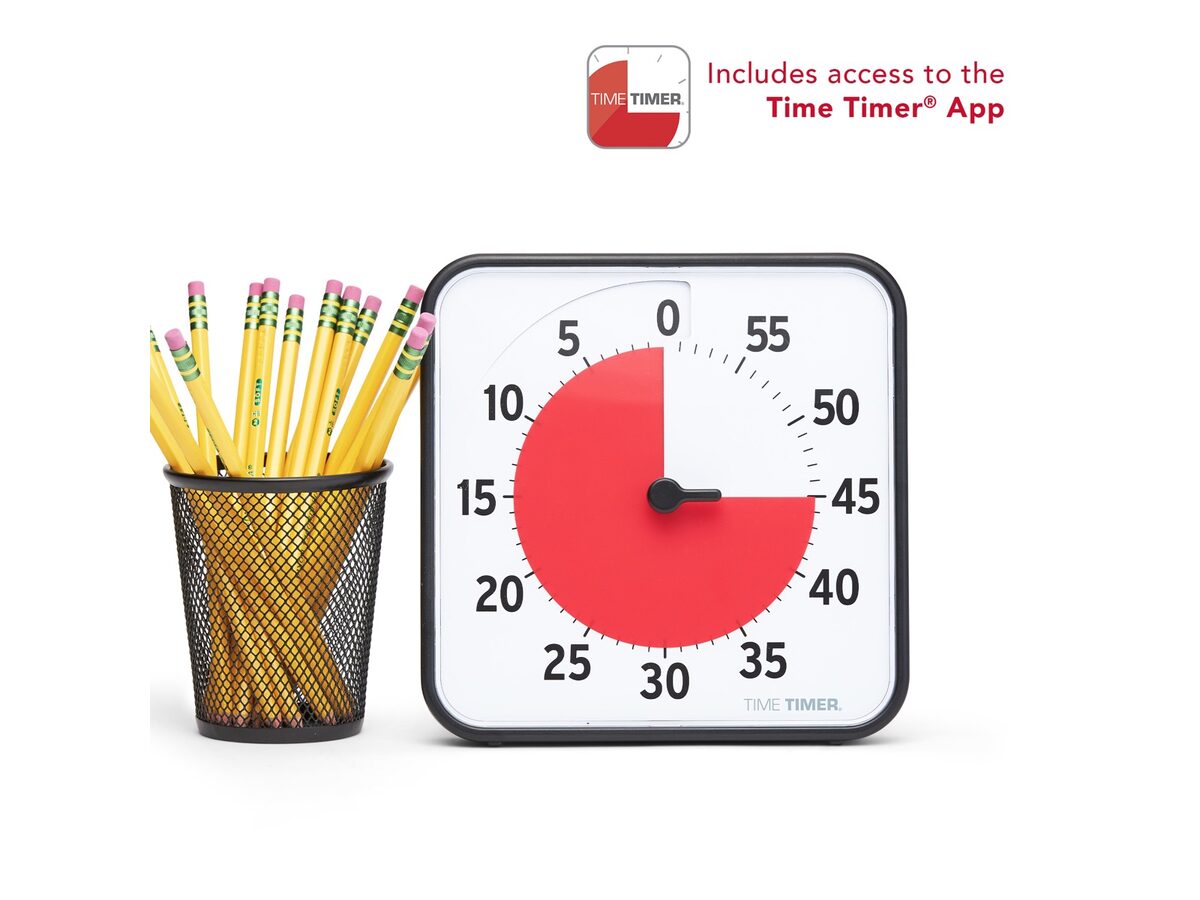
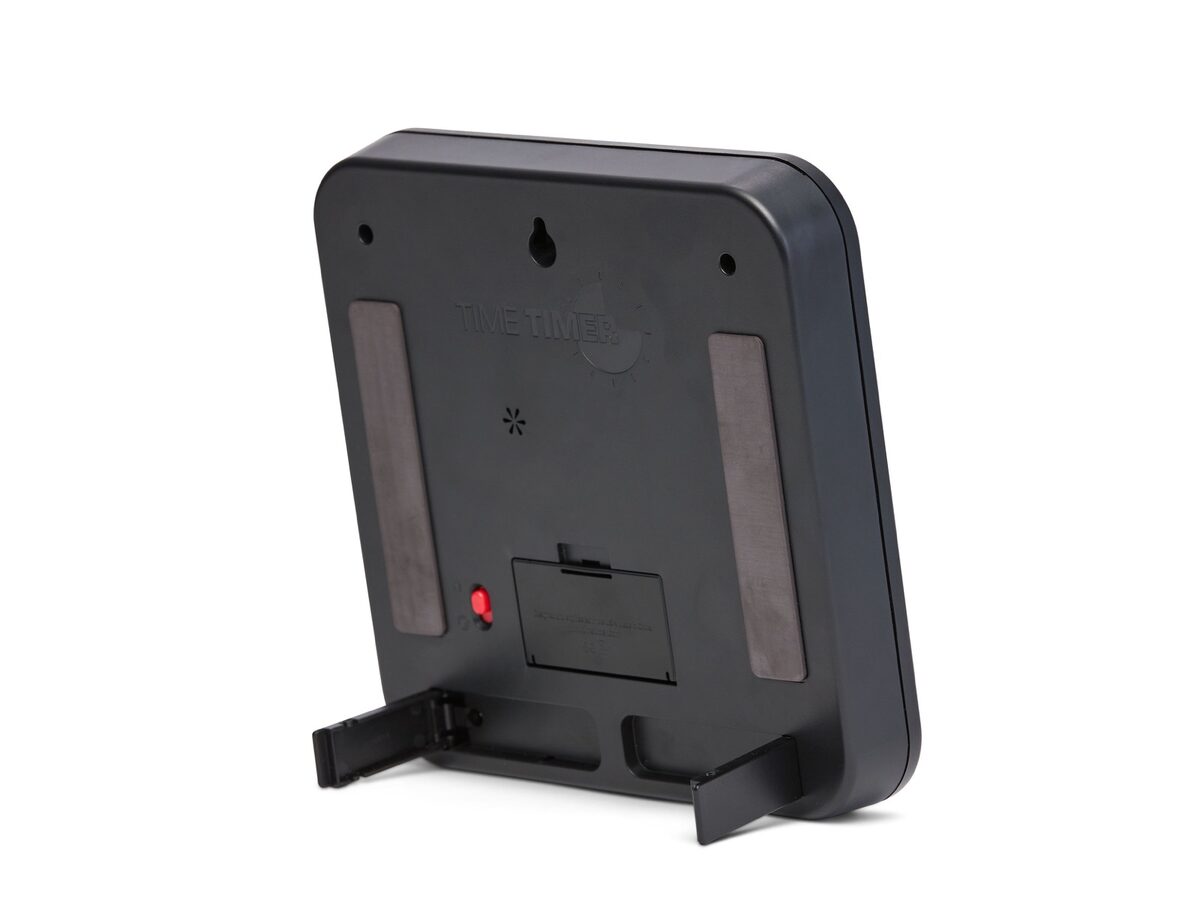
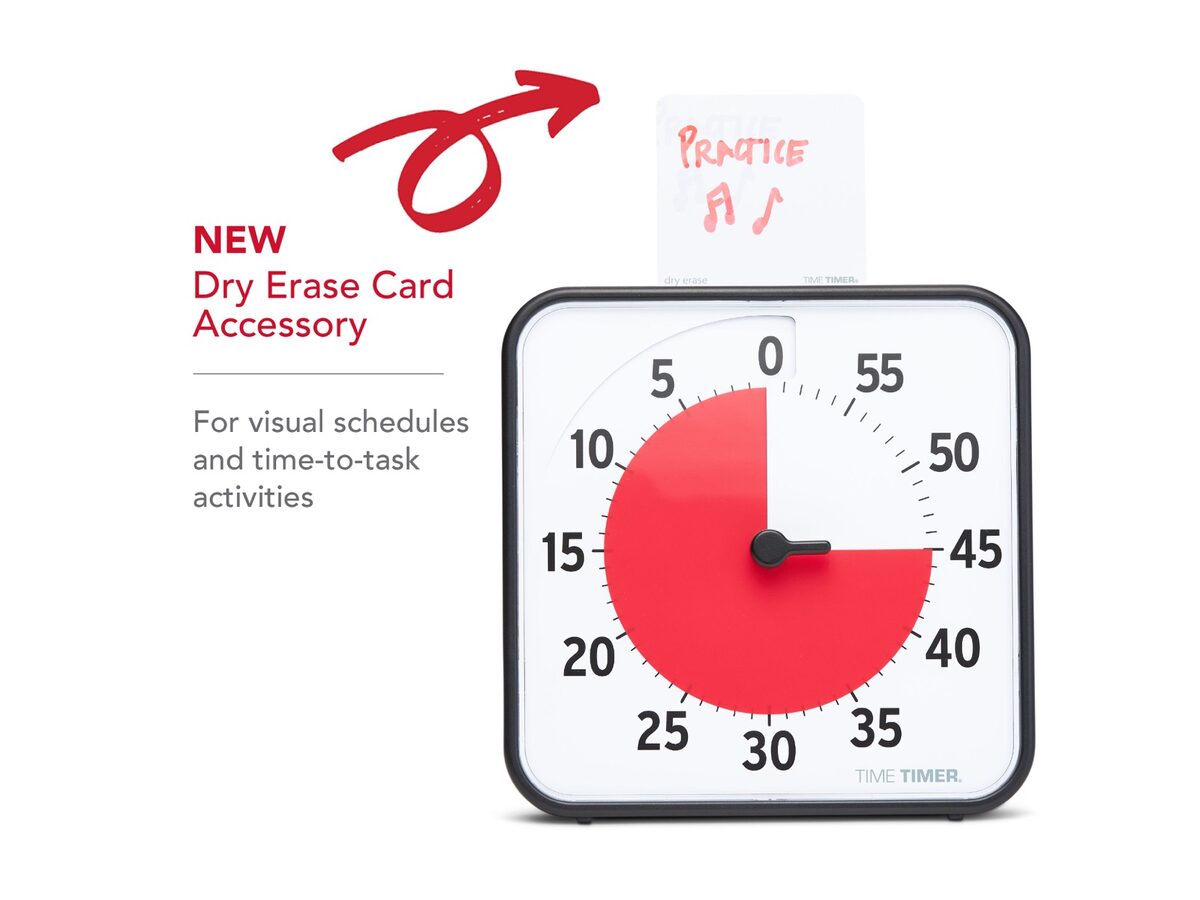
Red wedge shrinks as minutes pass—time left at a glance, no mental math on a digital clock.
Time Timer
Time Timer
Red wedge shrinks as minutes pass—time left at a glance, no mental math on a digital clock.
In a classroom or a shared space, size matters. A bigger face is easier to see from across the room.
-
Time Timer PLUS
Time Timer
Bigger face and a carry handle—easier to see from across the room when a whole block must finish.
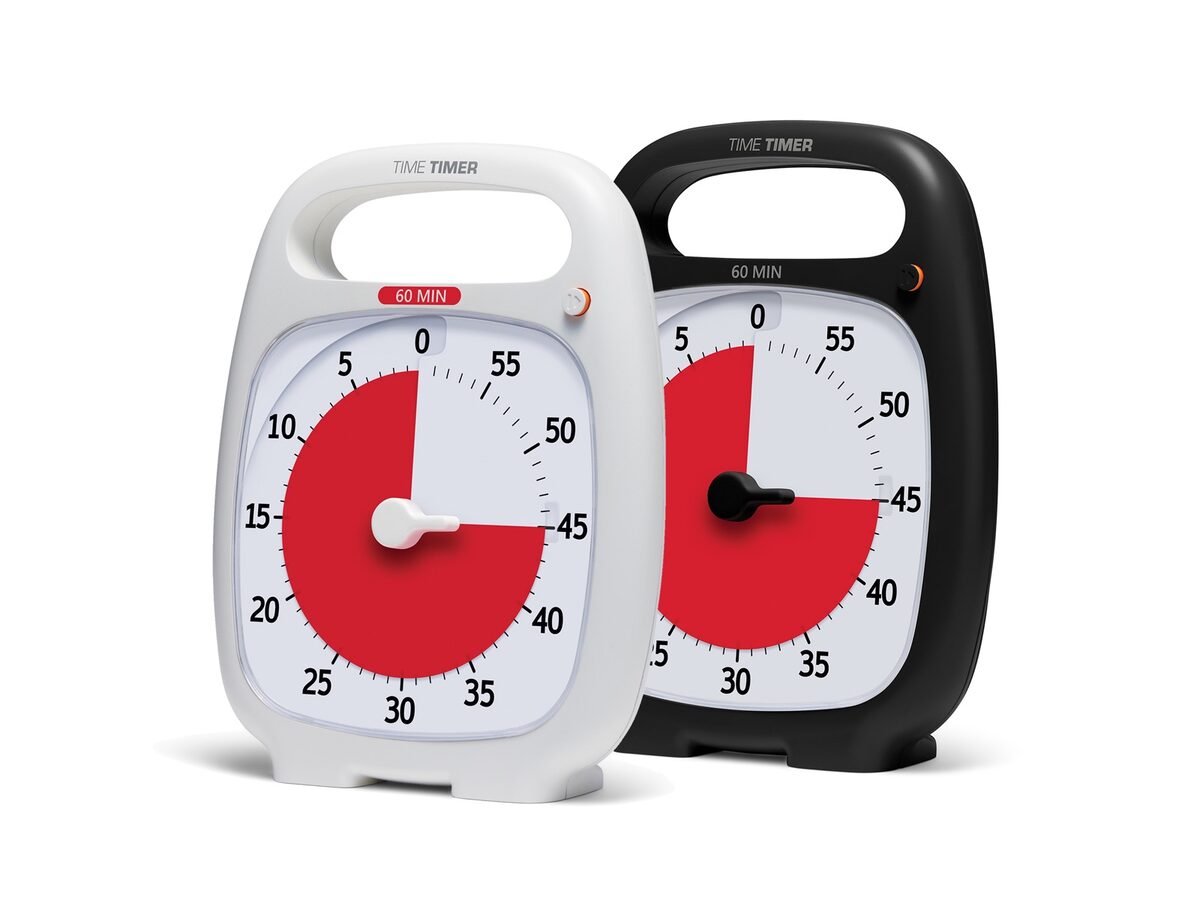
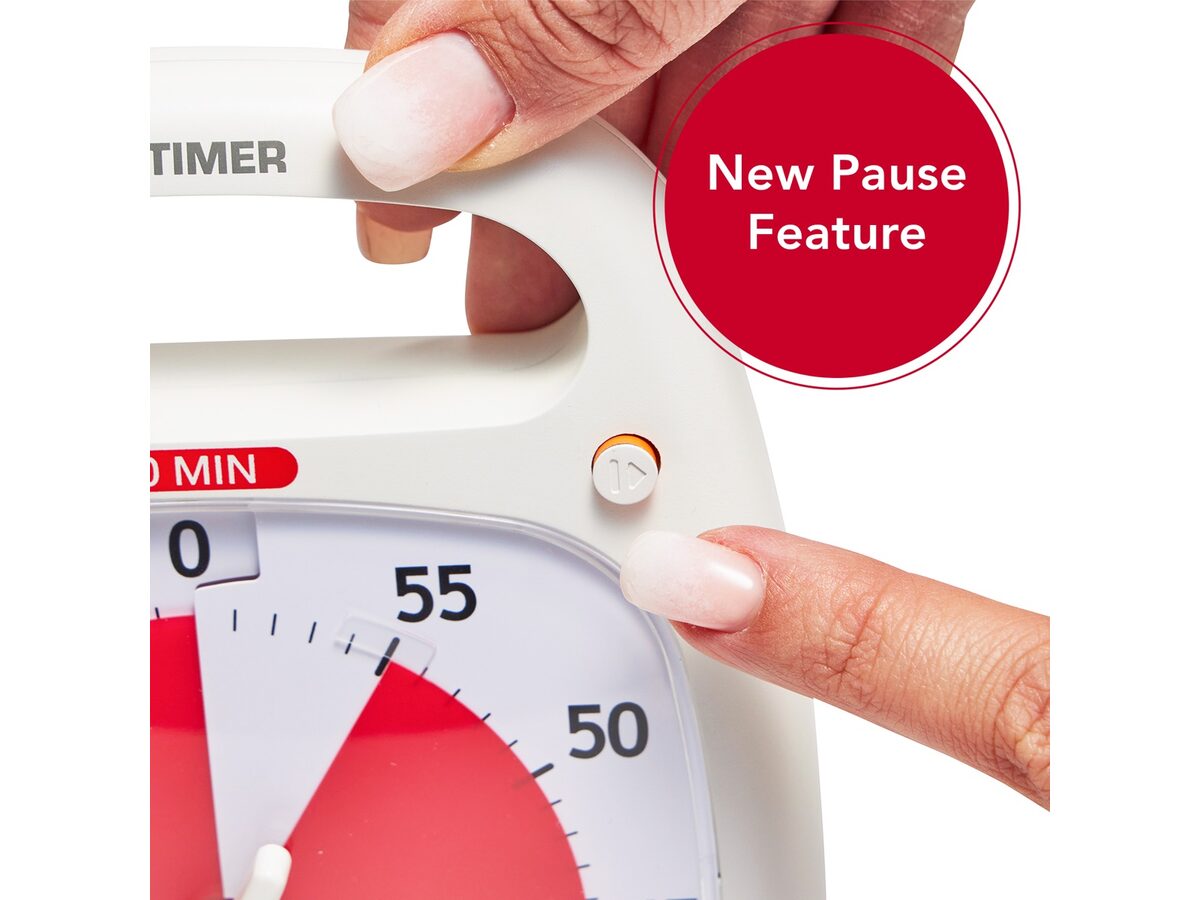
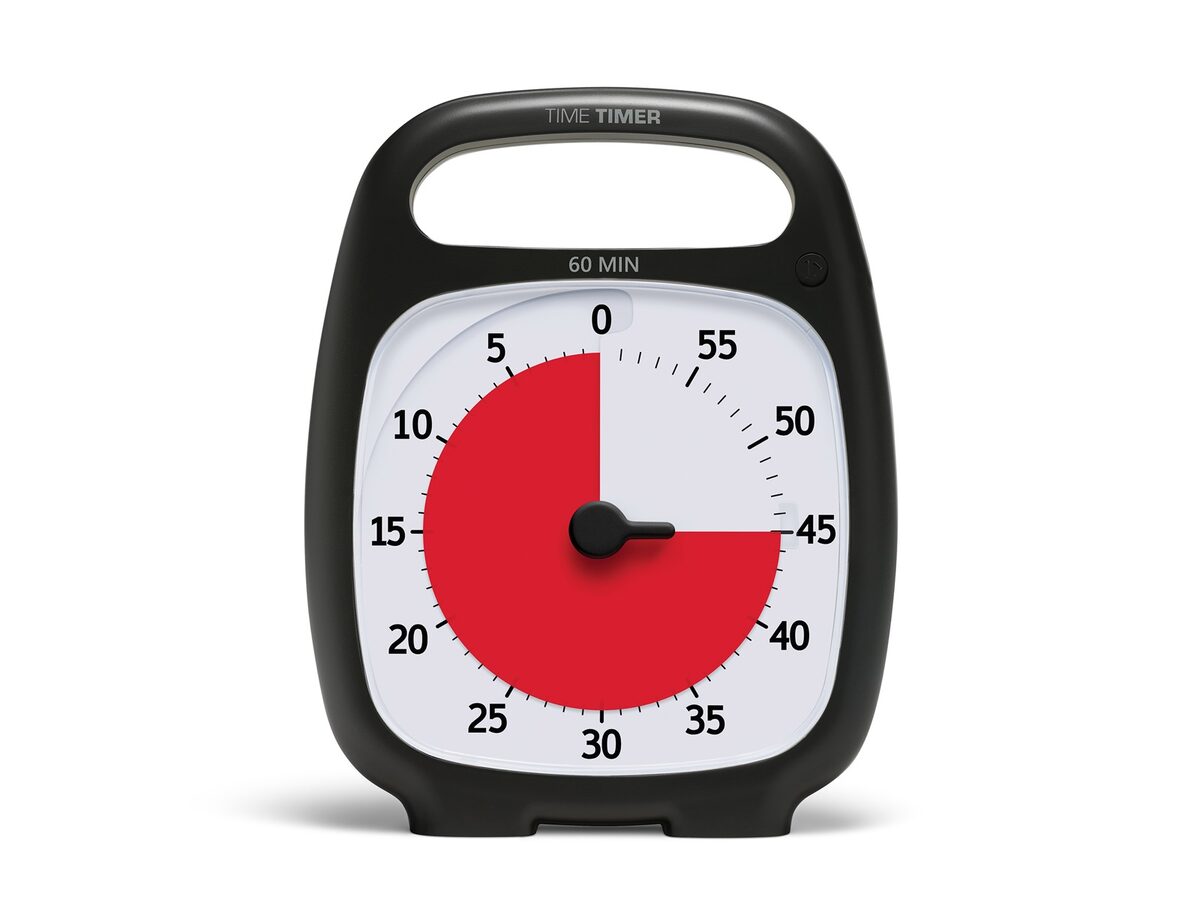
Time Timer PLUS
Time Timer
Bigger face and a carry handle—easier to see from across the room when a whole block must finish.
If you want one for a desk or a homework table, a smaller option may be easier to carry.
-
Time Timer MOD
Time Timer
Shrinking red disk plus a silicone cover—same visual timer idea in a smaller, desk-friendly package.
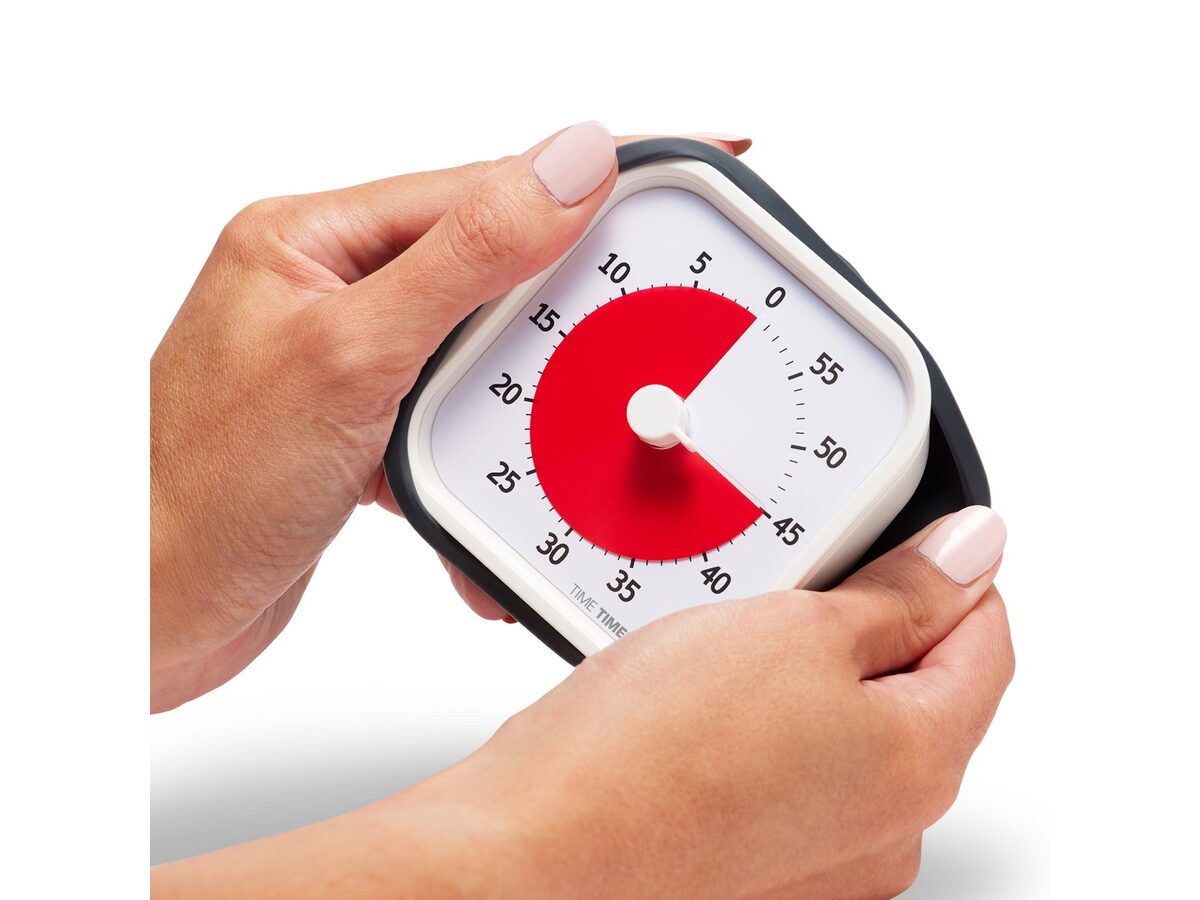
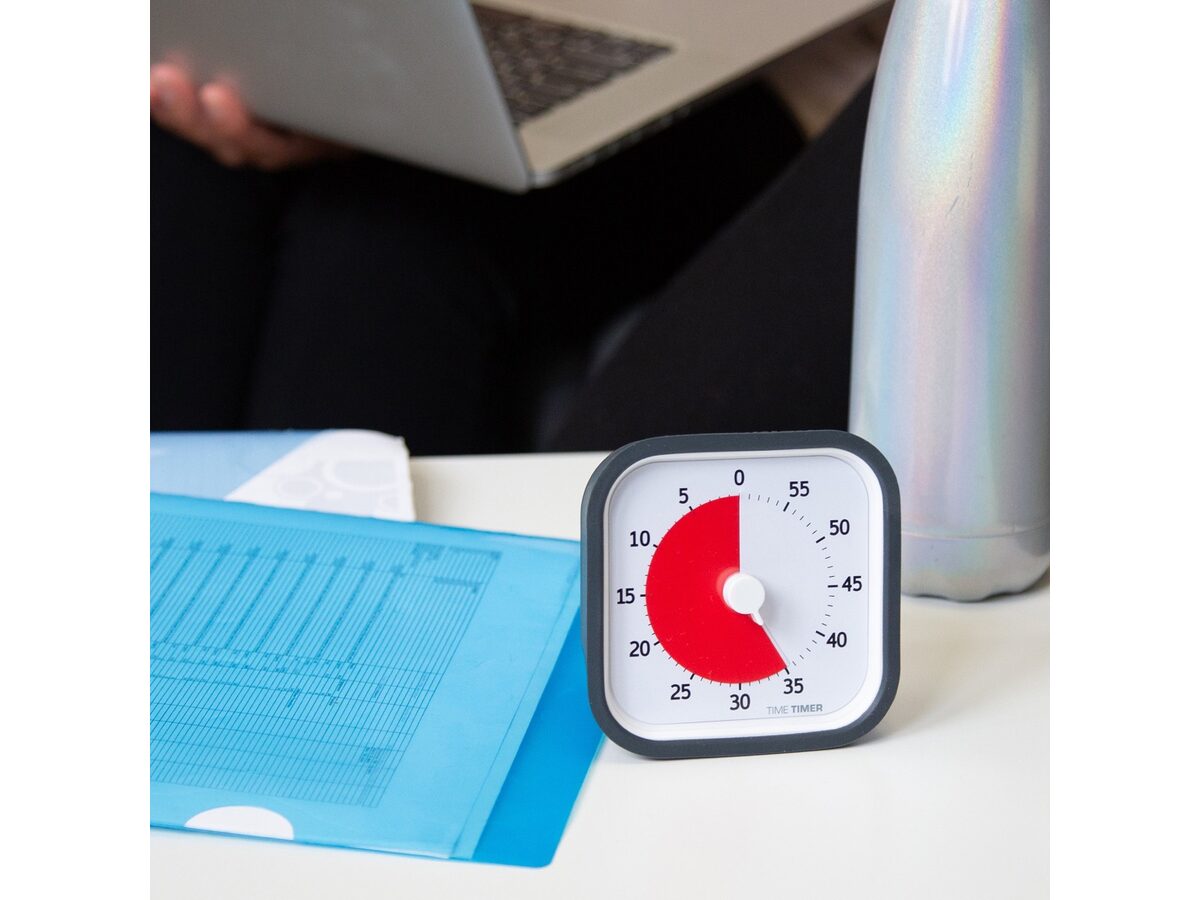

Time Timer MOD
Time Timer
Shrinking red disk plus a silicone cover—same visual timer idea in a smaller, desk-friendly package.
An online timer is free and always on hand. Our free visual timer shows a shrinking disc, has presets, a gentle chime you can switch off, and a full screen mode that fills a projector or a smart board. You can link straight to a set time, such as 10 minutes or 15 minutes, so a teacher can bookmark one per activity.
The trade-off is the screen. A tablet can pull a young child toward other apps, and a phone is something a child may not be allowed to touch. For toddlers, a physical timer on the floor or table is usually the simpler choice. For classrooms with a projector, the online version is hard to beat on cost.
More options, including app and hourglass versions, are in our timer recommendations.
How do you make the timer a habit?
A few small choices help it stick:
- Put it in the same spot each time, where the child can see it without turning around.
- Use it for the same routines every day for a week or two before adding new uses.
- Keep the next step visible, such as shoes by the door or a card showing the next activity.
- Let the child set it, start it and say when it's done.
- Drop it when it's no longer needed. Many children outgrow the need for a visual timer for some tasks, and that's a good outcome.
If you're a teacher, a class timer on the board does one more useful thing: it moves the "time's up" message away from you. The timer ends the activity, not you. That tends to cut down on power struggles.
Some children also settle better with soft background sound during quiet work or rest. Our free brown noise generator is one way to try that, kept at a low volume. Our guide to brown noise for focus covers what research does and doesn't show.
FAQ
What is a visual timer for kids?
A visual timer shows the time left as a colored shape that shrinks as time passes, instead of only showing numbers. Children who can't read a clock can see how much time remains and when an activity ends.
Are visual timers good for toddlers?
They can be, with short times. Try one to five minutes, sit with your toddler, and say what will happen when the color is gone. Model the timer yourself first. Expect some protest, since stopping a fun activity is hard at any age.
Can a visual timer help with potty training?
It often helps. Many parents have the child try the toilet every 30 minutes and use a timer to show when to try again. Readiness differs for every child, so follow your pediatrician's guidance.
Can a visual timer help with slow eaters at dinner?
Often, yes. Set 15 to 20 minutes for the meal, and when the disc is gone, dinner is over. The timer makes the end clear, so it feels less like a battle.
What age should a child start using a visual timer?
There's no set age. Many parents start around two or three, when a child can follow simple routines and watch a shape change. Go by your child. If they show interest in the timer and follow what happens when it ends, it's working.
What is the best visual timer for a classroom?
Pick one every student can see from their seat. A large physical timer on a shelf works, and so does an online timer on a projector or smart board. Our free visual timer has a full screen mode for that, with presets and shareable links.
Does a visual timer help kids with ADHD or autism?
Many families and teachers find them helpful for transitions, and education resources list them as a support for children who struggle with changes in routine. It's a tool, not a treatment. Talk to your child's pediatrician or school team about broader support.
How long should I set the timer for?
Match the task to the age. Toddlers do well with one to five minutes, preschoolers with five to ten for routines and clean-up, and school-age children with ten to twenty minutes for homework or reading. If the child loses interest or can't see the color move, shorten it.
Sources
- Visual Timers and Transitions (opens in a new tab) – University of Colorado Denver, Adapt to Impact
- Visual Timer (opens in a new tab) – Texas Education Agency, Texas SPED Support
- Making Transitions Work (opens in a new tab) – Maryland EXCELS Toolkit
- Classroom Transitions (opens in a new tab) – Head Start, Office of Head Start
- Modifying Transitions and Routines (opens in a new tab) – ECE Resource Hub
- How to Make a Family Media Plan (opens in a new tab) – American Academy of Pediatrics, HealthyChildren.org, 2026
- Innovative & Award Winning Visual Timer (opens in a new tab) – Time Timer, 2026
This guide is general information, not medical advice. If focus problems are getting in the way of work, school, or relationships, talk with a doctor or licensed clinician.