Distraction
Why you can't stop scrolling (and 6 real ways to break it)
If you can't stop scrolling on TikTok or Reels at night, here's why your brain gets stuck and six steps, ranked from easy to strict, to cut it back.
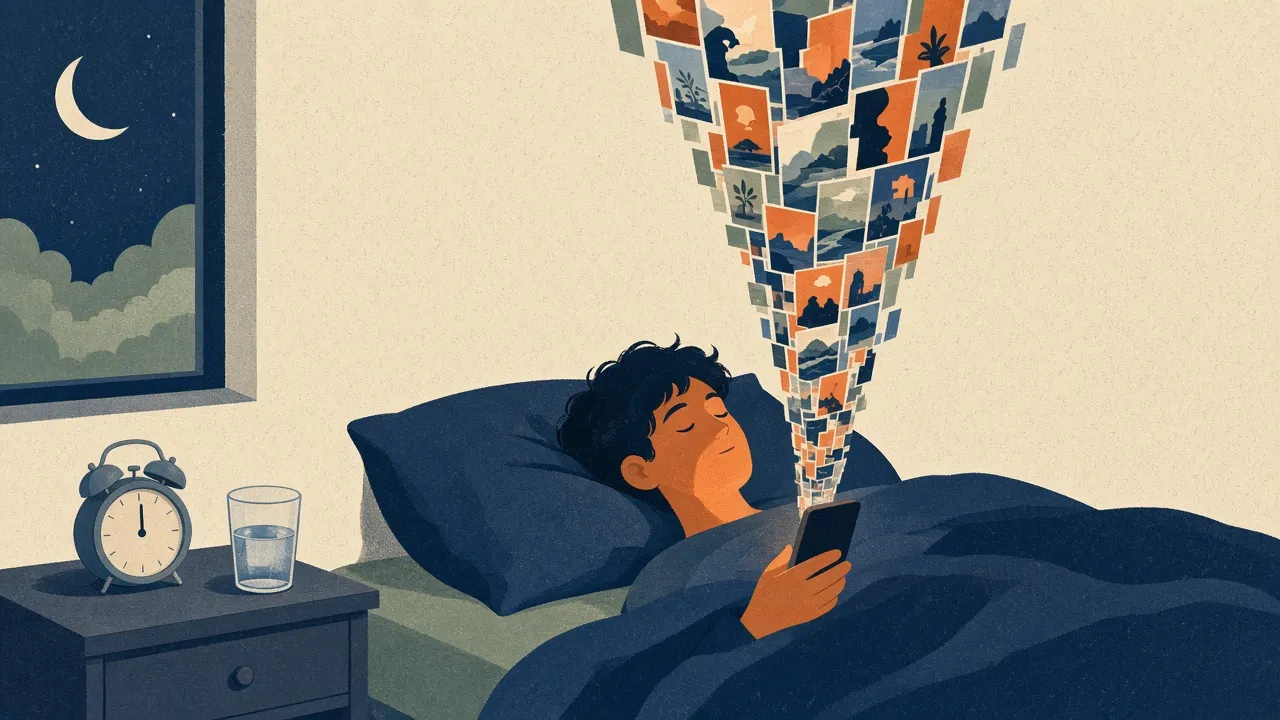
It's 11:30 at night. You picked up your phone to set an alarm, but a red badge caught your eye. Forty-five minutes later you're still watching vertical clips. Your eyes burn, the alarm goes off in six hours, and you can't remember a single video from ten minutes ago.
You probably blame willpower. That's the common reaction, and it misses most of the story. In a 2022 study from the University of Washington, people described slipping into a trance-like state on social feeds, where awareness of time and surroundings fades and they feel less in control. Researchers call it normative dissociation. If you can't stop scrolling, you're up against an interface built to remove every natural pause.
Why you can't stop scrolling short-form video feeds
Old websites ended. You clicked a link, read to the bottom, and had to decide what to do next. That was a stopping cue.
Short-form video deletes it. Three things do the work.
Variable rewards and prediction error
B.F. Skinner found that animals press a lever most persistently when rewards arrive unpredictably instead of every time. Decades later, Wolfram Schultz showed that dopamine neurons respond to reward prediction errors: they fire hardest when an outcome is better than expected, and much less when it's fully predictable.
A feed works like a slot machine. One swipe gives you an awkward dance. The next is an ad. The third makes you laugh out loud. You can't predict which swipe pays, so your brain stays leaning forward. You don't keep scrolling because every video is good. You keep scrolling because the next one might be.
No stopping cues
Aza Raskin designed infinite scroll in 2006. In a 2018 BBC interview he said social media interfaces are like "behavioural cocaine" sprinkled over everything, and that he hadn't recognised how addictive his feature could be.
A paperback has chapters. A TV show has credits. Those edges make you ask, "Do I want more?" Autoplay answers for you. The next clip starts before the thinking part of your brain gets a vote.
Personalization that keeps adjusting
These apps track how long you watch each clip, what you rewatch, what you skip in half a second, what you share. The feed adapts quickly to your humor and your worries. The moment you drift, it serves something calibrated to pull you back.
The trance, and the guilt after it
The 2022 CHI study (Amanda Baughan and colleagues) found that people often scroll in that absorbed state and regret it afterward. You want to close the app, and your thumb keeps going. Something external usually breaks it: a dying battery, a stiff neck, a glance at the clock.
A newer measure, the Binge Scrolling Scale, describes compulsive scrolling in three parts: automatic scrolling, negative outcomes, and loss of control. If that sounds like your 11:30 pm, you're not unusual.
Why you can't stop scrolling at night
Plenty of people keep their phone habits in check at work, then lose the plot the second they're in bed.
Bedtime procrastination
In 2014, Floor Kroese and colleagues described bedtime procrastination: delaying sleep without any outside reason you have to stay up. Popular culture calls the version driven by a packed day "revenge bedtime procrastination," and the Cleveland Clinic covers it too.
If your day belongs to meetings, kids and chores, late evening feels like the only hours that are yours. So you trade tomorrow's energy for tonight's scrolling. The debt adds up.
Tired brains give in more easily
By 10 pm you've spent the day filtering distractions and making decisions. Tired and late, you're simply less likely to say no to an easy hit of novelty, and the app doesn't get tired. If you also struggle with attention in general, our guide to ADHD time blindness explains why "five more minutes" can swallow an hour.
Six fixes, ranked from least to most friction
Motivation fades. Friction doesn't. Each step below adds a little distance between the urge and the screen.
1. Turn your screen to grayscale
Honestly, start here. It's free and takes ten seconds.
In a small 2020 study of college students (161 took part, 73 switched to grayscale for 8 to 10 days), the grayscale group's total screen time dropped by about 38 minutes a day, with less social media and browsing. One catch matters for video fans: the researchers found grayscale didn't change time spent on video. So treat it as a first step, not a cure.
- iPhone: Settings > Accessibility > Display & Text Size > Color Filters, switch Color Filters on, choose Grayscale. Then Settings > Accessibility > Accessibility Shortcut > Color Filters, so a triple-click of the side button toggles it.
- Android: Settings > Digital Wellbeing > Bedtime mode (grayscale option), or Settings > Accessibility > Color and motion > Color correction on some phones. Menu names vary by maker.
2. Get the feeds off your home screen
If TikTok or YouTube sits on your dock, your thumb taps it on autopilot. Move video apps into the App Library on iPhone or a folder on the last page on Android.
Now opening one means searching for it first. That small delay gives you a second to ask why you're doing it.
3. Set limits that actually bite
Apple Screen Time and Android Digital Wellbeing have timers, but the "ignore limit" button makes them easy to dismiss. Fix that:
- Open Settings > Screen Time (iOS) or Digital Wellbeing (Android).
- Set an App Limit for your video apps, say 30 minutes combined.
- Set a Screen Time passcode different from your lock screen code, and ask a friend or partner to type it in so you don't know it.
- Turn on Block at End of Limit.
TikTok has its own tools too. Go to Profile > Settings and privacy > Time and well-being > Screen time, then turn on Daily screen time and Sleep hours. According to TikTok's support page, sleep reminders mute push notifications once your sleep time starts, and the app nudges you to take a break when it arrives. It's a nudge, not a lock.
4. Use a focus app with some teeth
If a gentle nudge works on you, Forest is the friendly option. You start a timer and plant a tree. Leave the app to open Reels and the tree dies. It's a cute guilt trip, and for some people that's enough.
-
Forest
Seekrtech
Stay off the phone to grow a tree; break the session and the tree dies—a silly stake that still works.
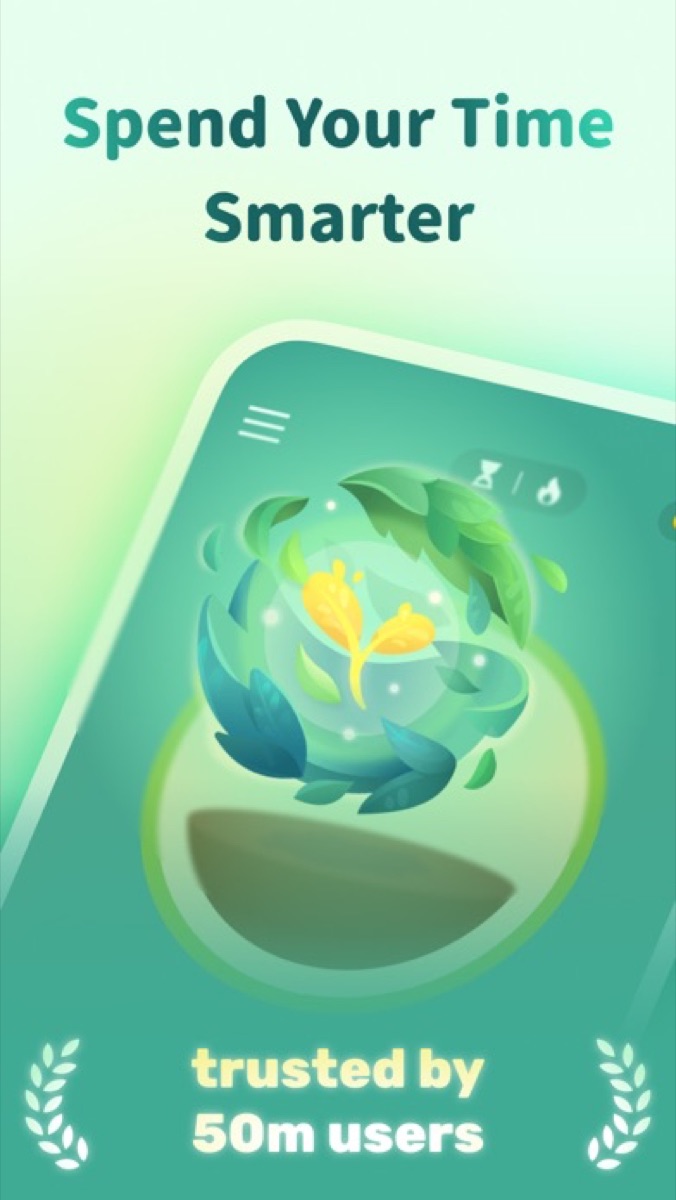
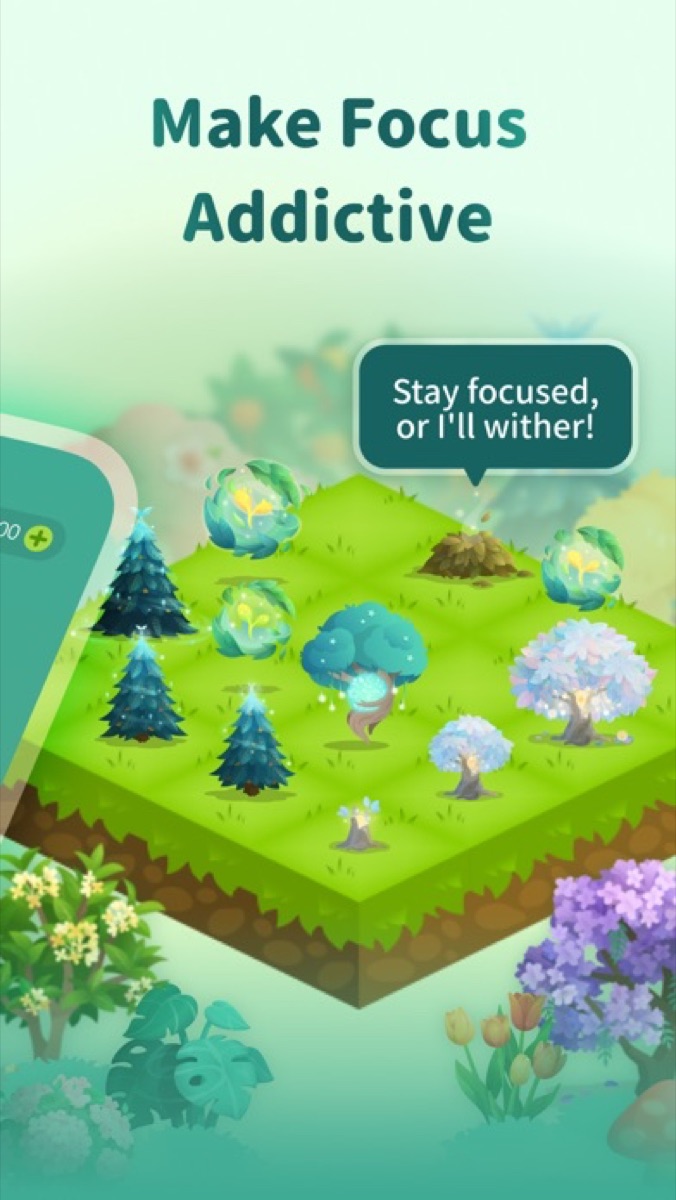
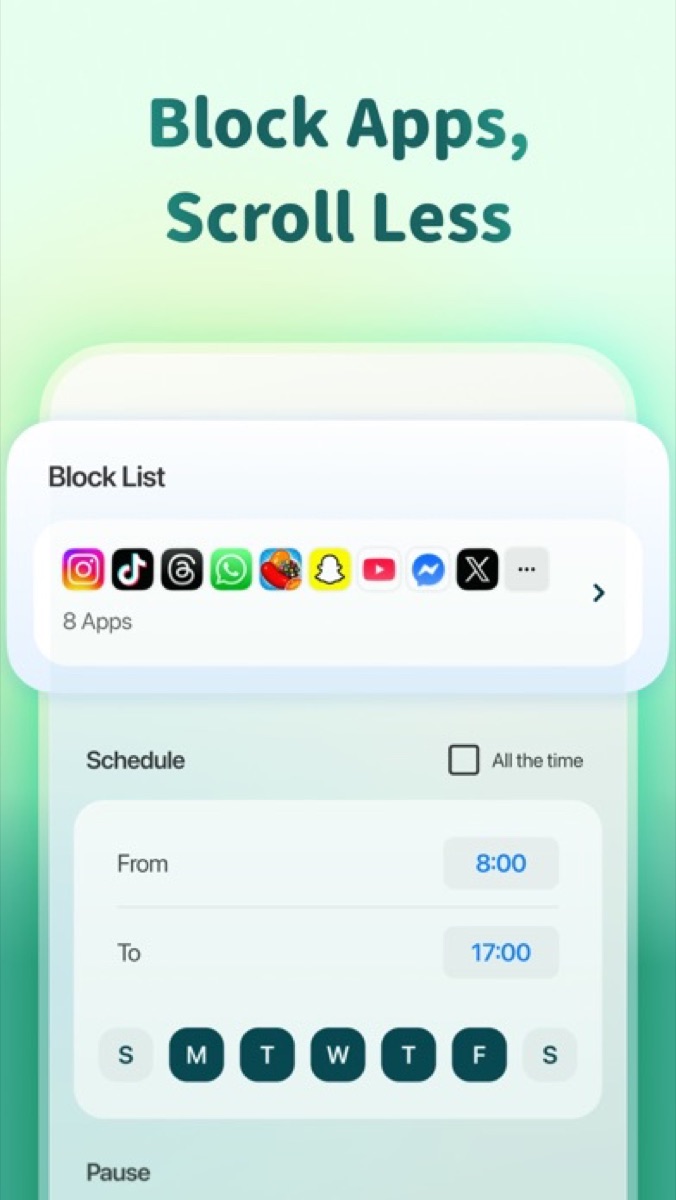
Forest
Seekrtech
Stay off the phone to grow a tree; break the session and the tree dies—a silly stake that still works.
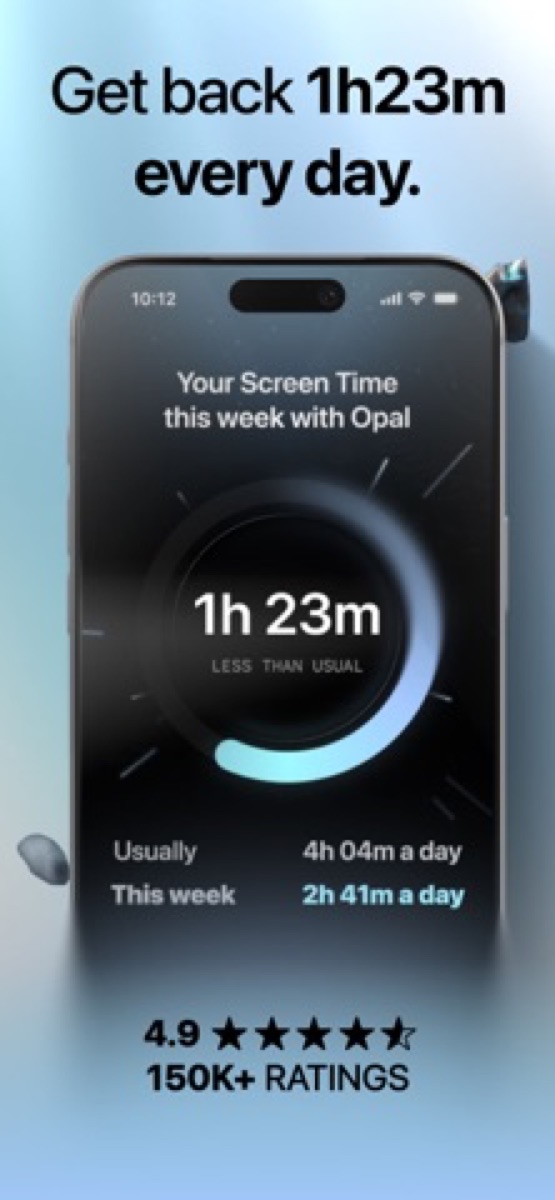
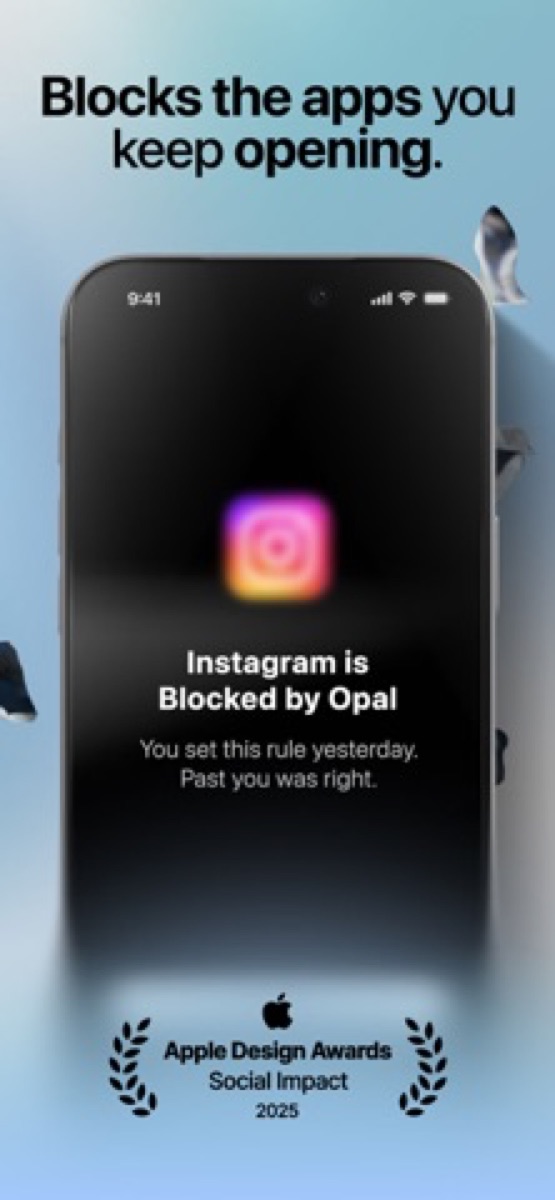
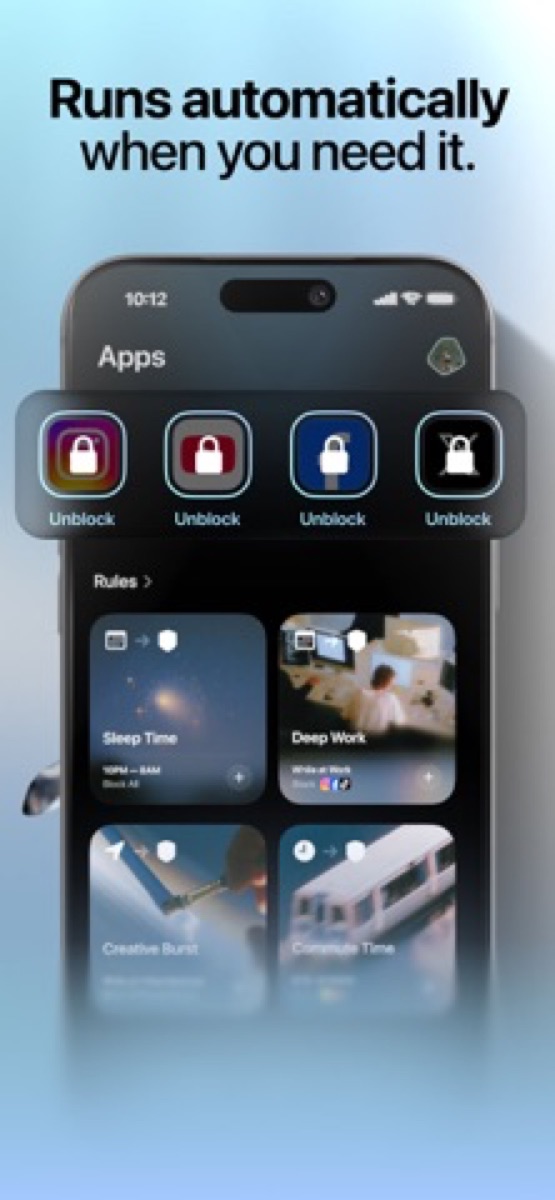
If you know you'll talk yourself out of a soft limit, Opal is stricter. You can schedule recurring sessions, such as a work block or a bedtime block starting at 10 pm, and set it up so quitting mid-session isn't easy. That closes the bypass loophole in standard screen time tools. For more options, see our guide to the best app blockers.
-

Opal
Opal OS
Scheduled app and site blocks that are harder to tap past than built-in Screen Time.
Opal
Opal OS
Scheduled app and site blocks that are harder to tap past than built-in Screen Time.
5. Add a physical barrier
Software has one flaw: it's your phone, so you can dig into settings at your weakest moment. Hardware moves the decision somewhere else.
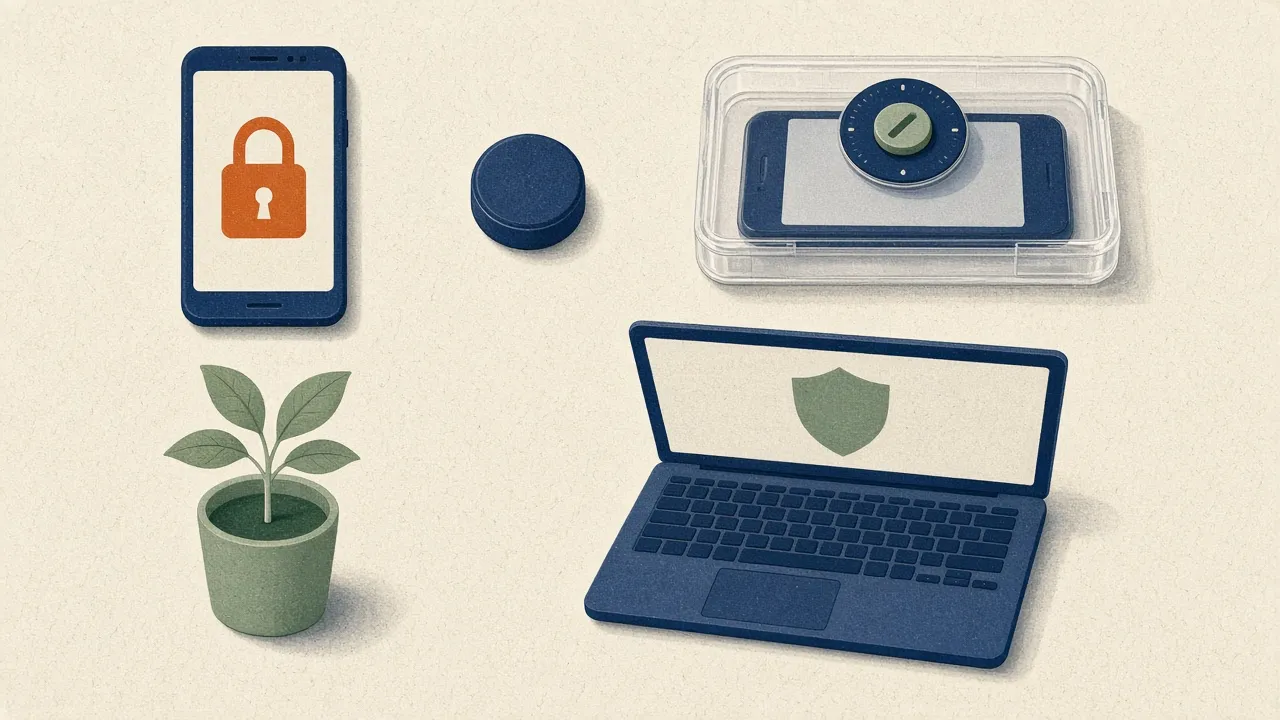
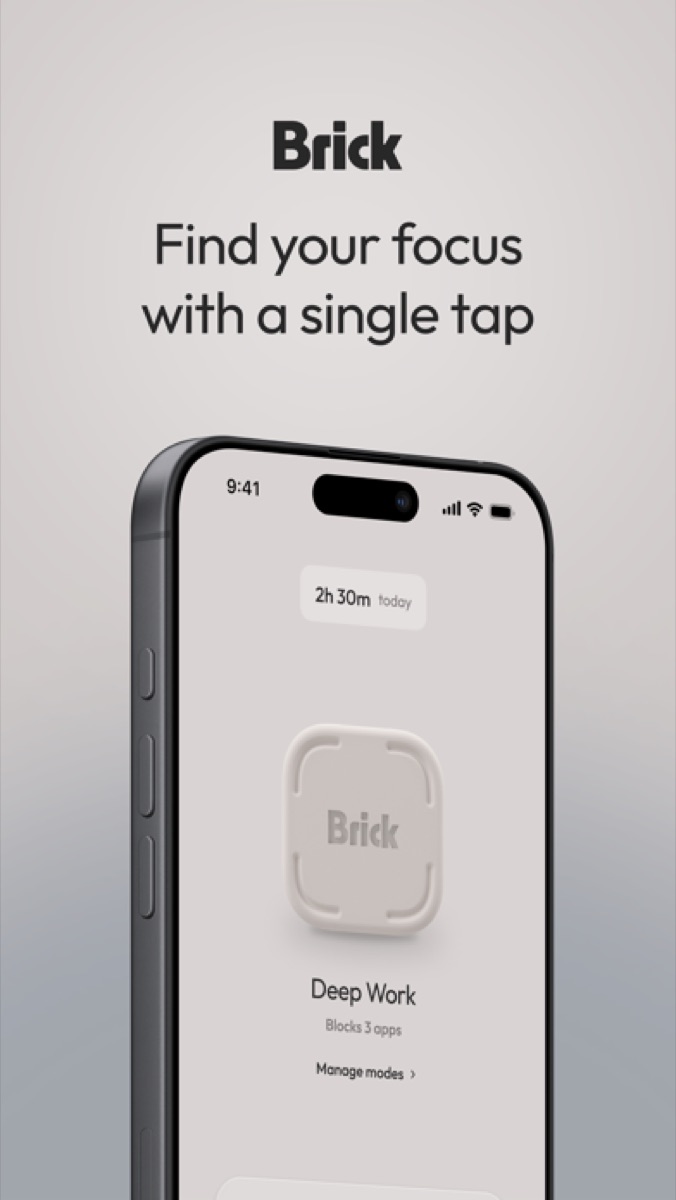
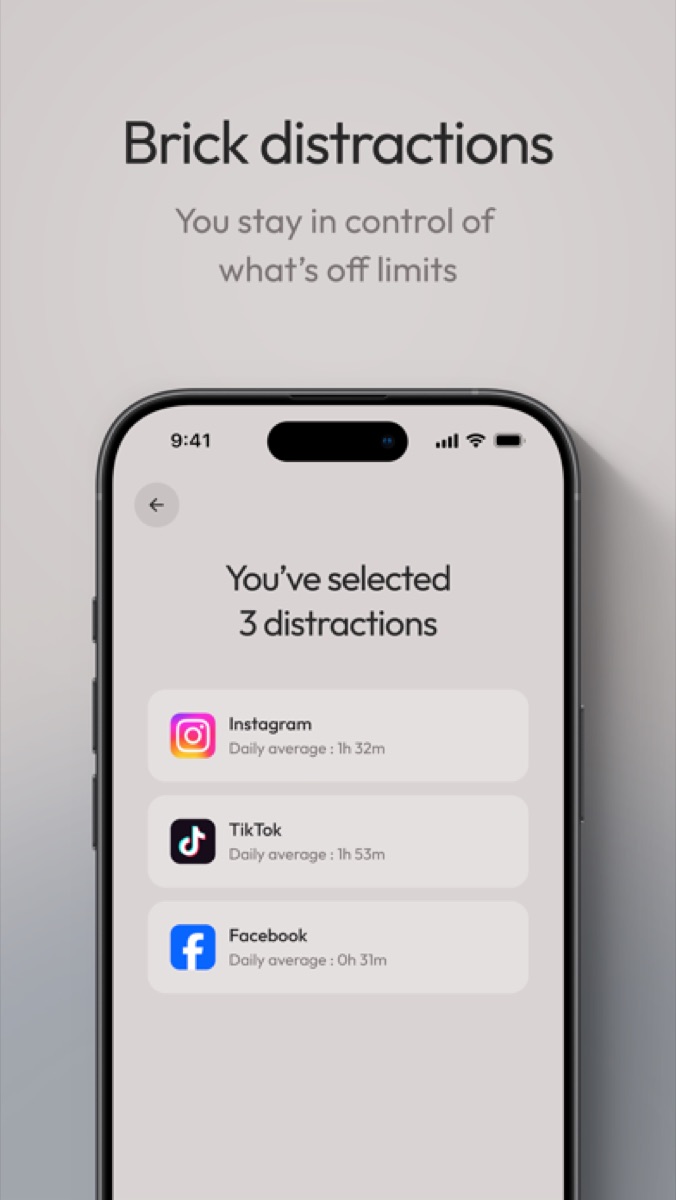
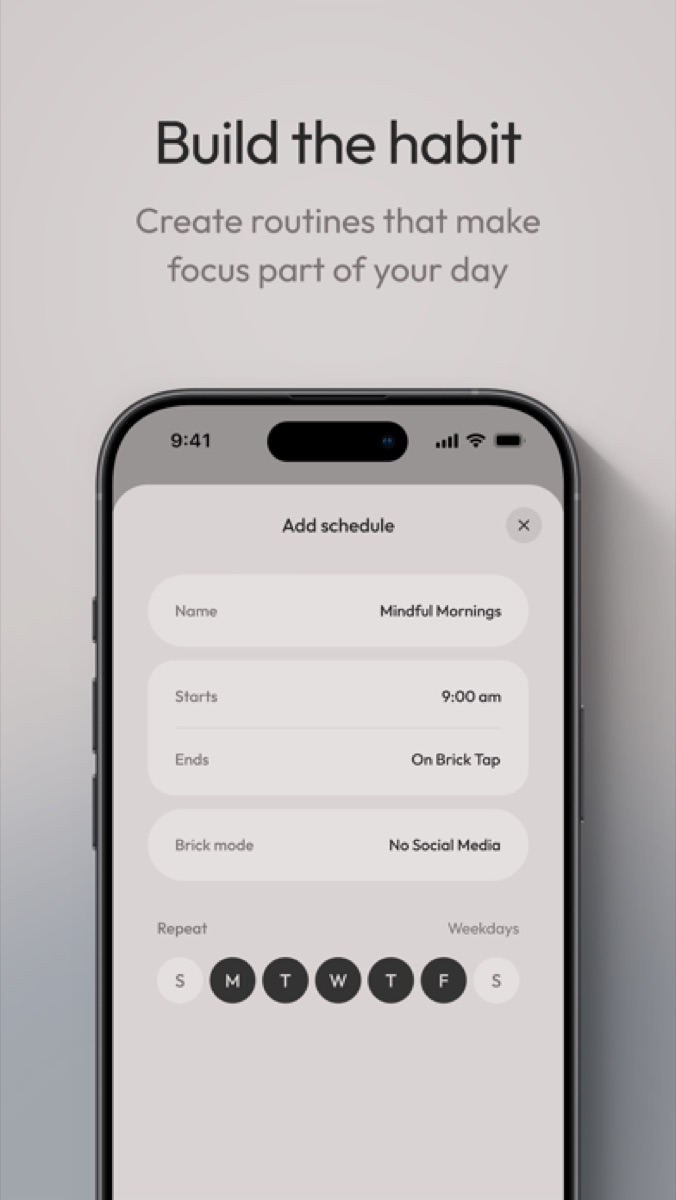
Brick pairs an app with a small NFC puck. You pick the apps to restrict, tap your phone on the puck to lock them, and tap again to release them. Leave the puck by the front door and getting Reels back means leaving your bed. That walk is often enough to change your mind.
-

Brick
Brick LLC
Tap phone to the NFC puck to block chosen apps; unblocking means walking back to the puck.
Brick
Brick LLC
Tap phone to the NFC puck to block chosen apps; unblocking means walking back to the puck.
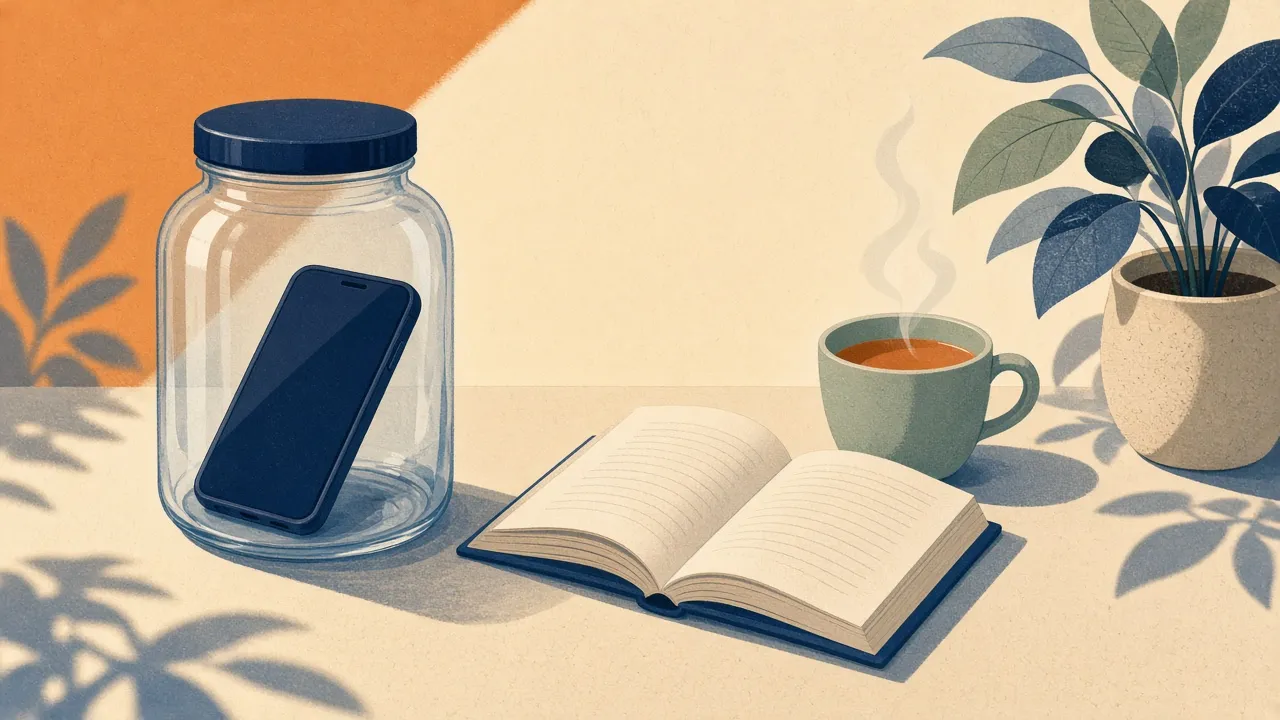
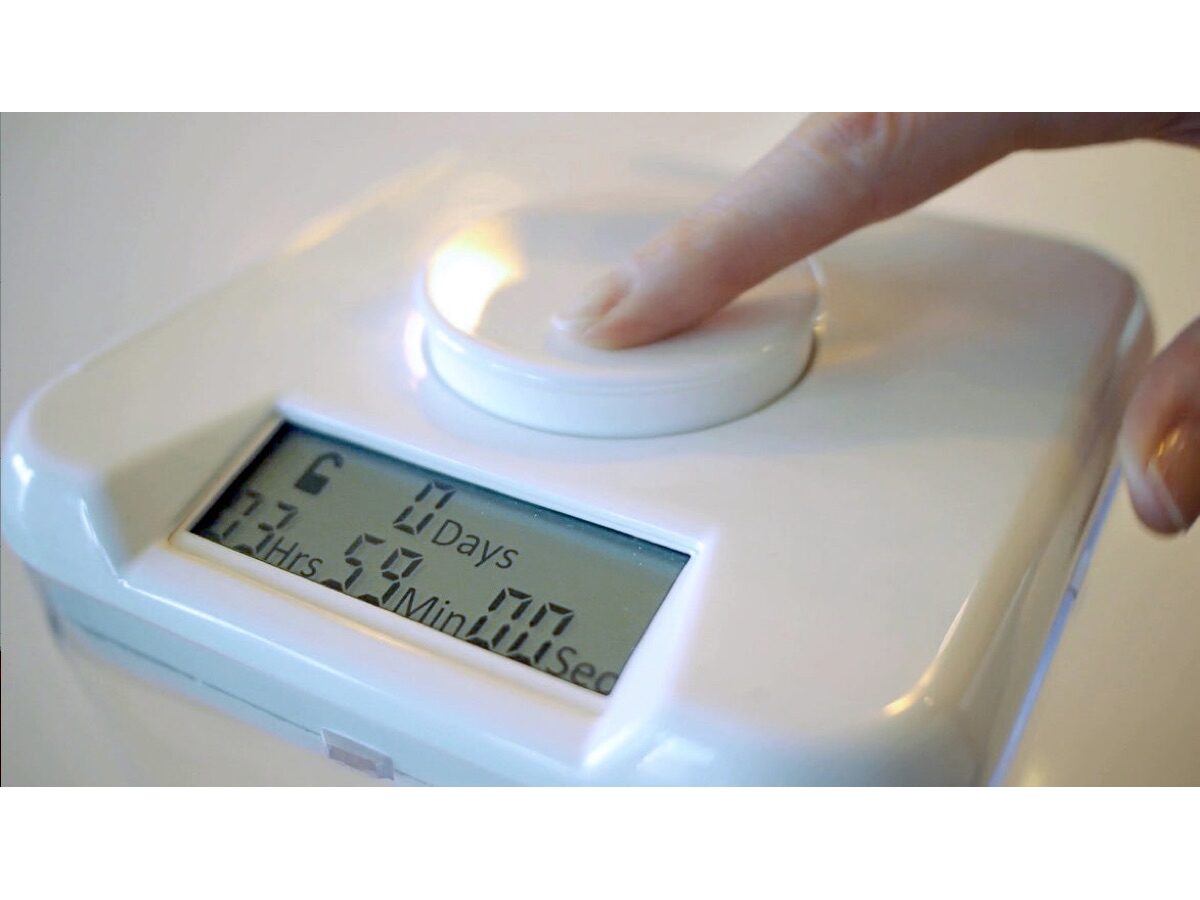
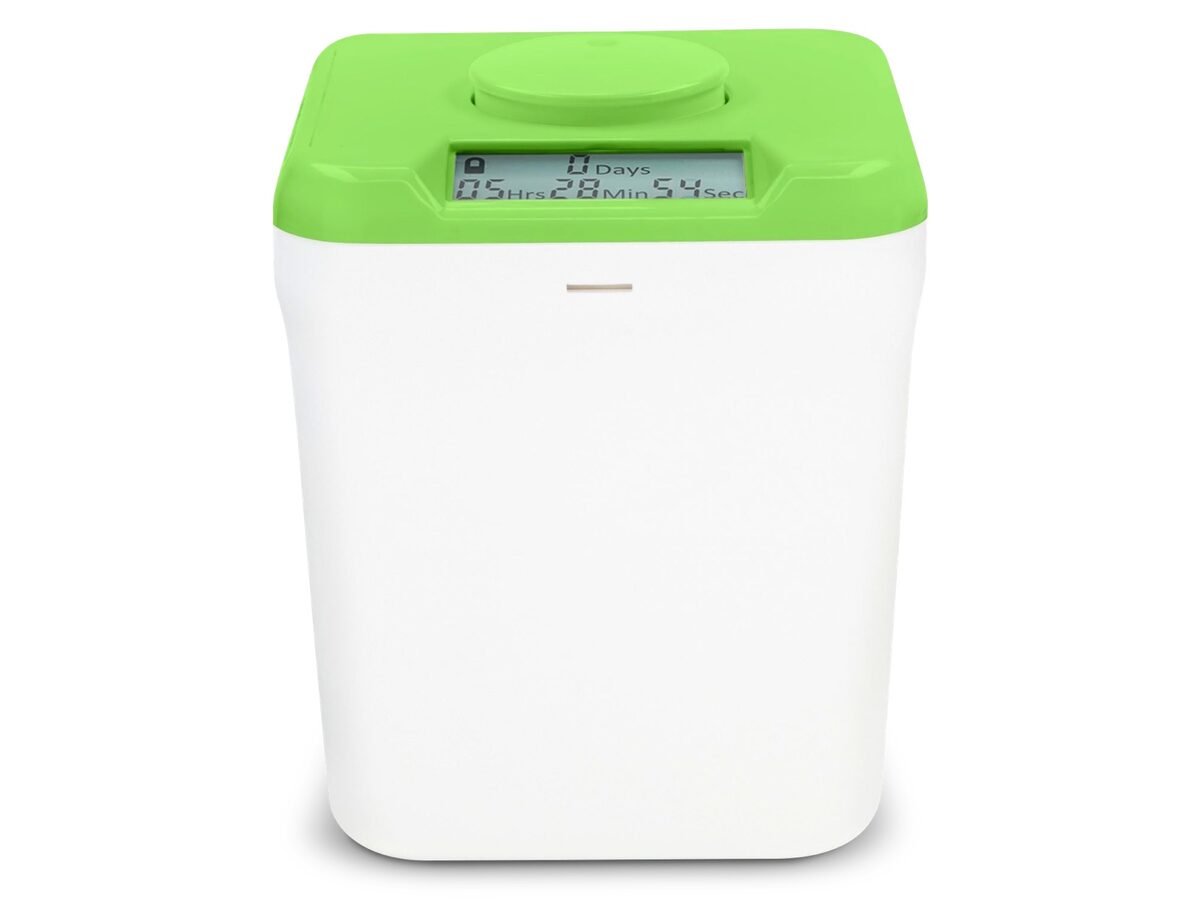
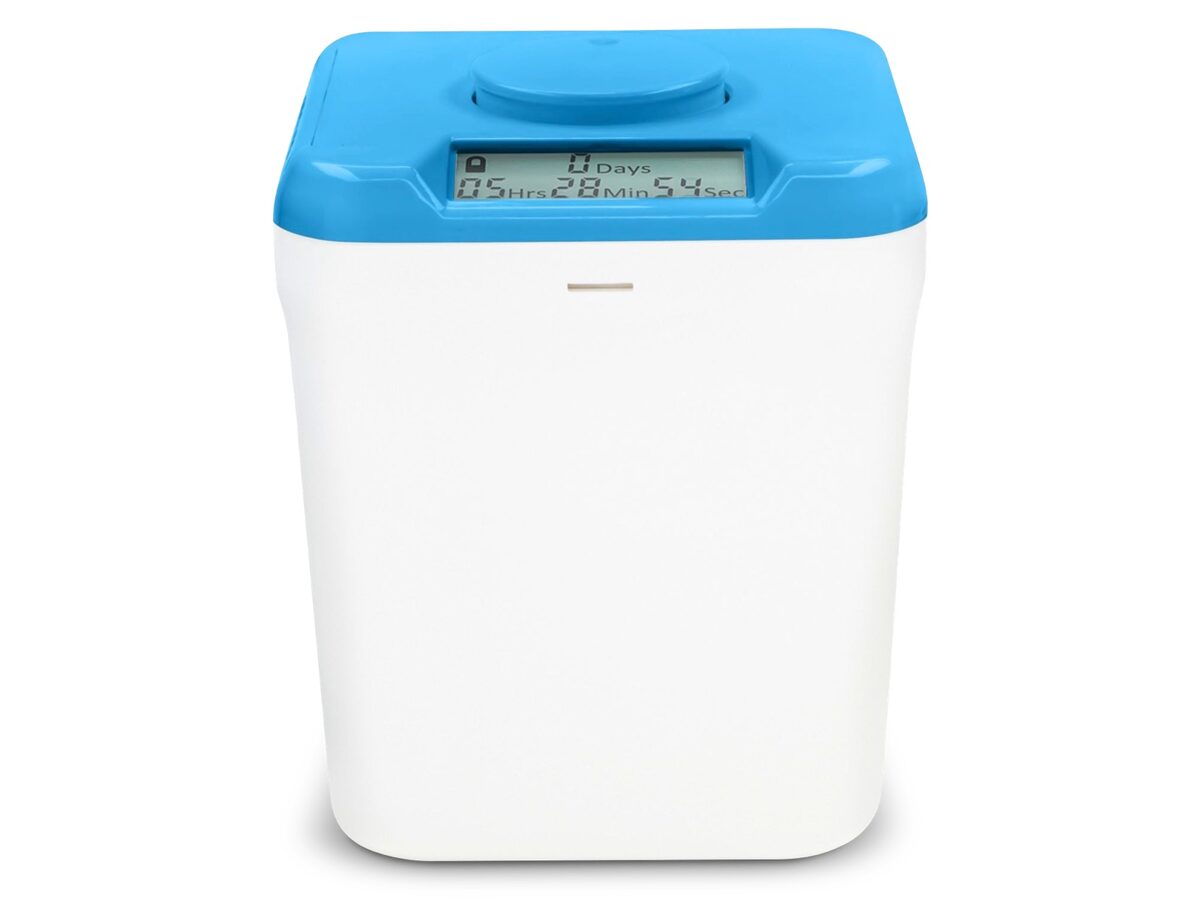
For total separation, kSafe is a lockable container with a timer. You put the phone inside, set the time, and the lid stays shut until it runs out. A kSafe from 9:30 pm to 7 am ends late-night scrolling by taking the phone out of reach. It's the strictest option here. Check the maker's current instructions on timer limits and what happens in an emergency.
-
kSafe
Kitchen Safe
Timed lock box with no override—phone stays inside until the countdown you set actually hits zero.

kSafe
Kitchen Safe
Timed lock box with no override—phone stays inside until the countdown you set actually hits zero.
6. Charge the phone outside the bedroom
This is the cheapest fix and probably the best one.
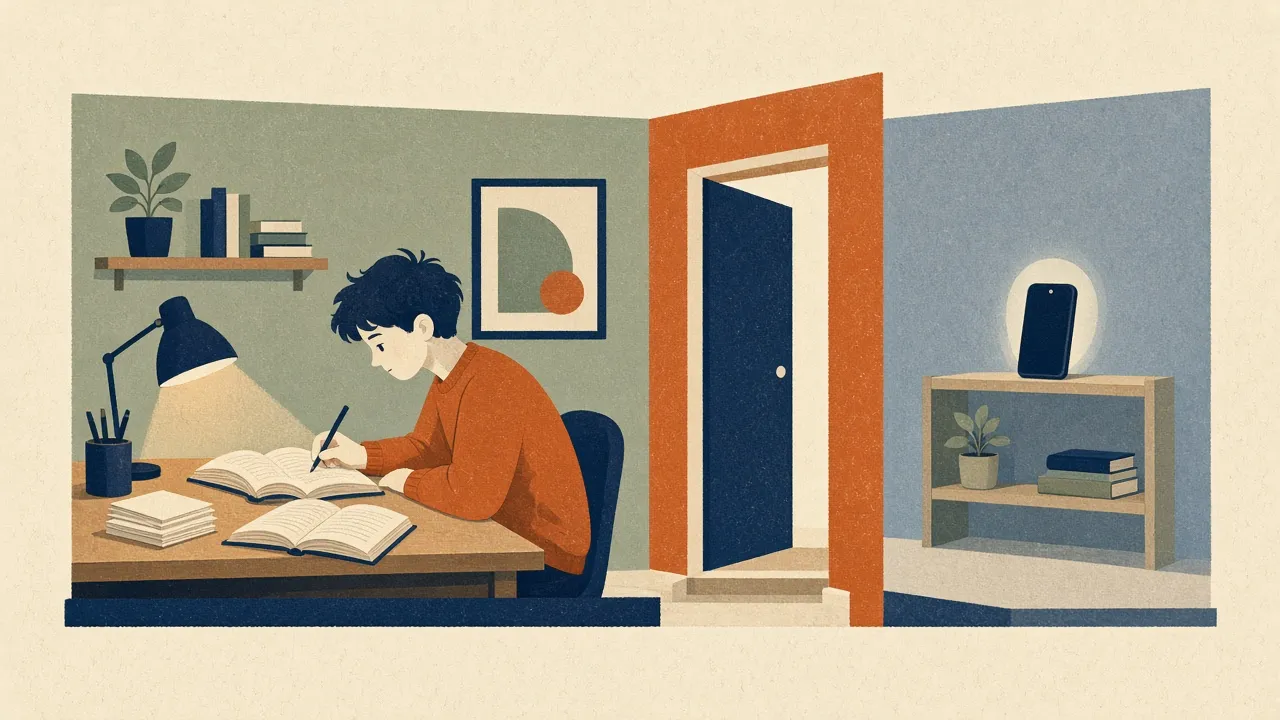
A phone on the nightstand costs zero effort. A phone charging in the kitchen means getting up, walking down the hall, and standing in the cold to scroll. Most nights you won't bother. Buy a basic alarm clock for the bedside. If you need sound to fall asleep, a small speaker works, or try brown noise.
What to do when you're already stuck
Say you're fifteen minutes into a loop you never meant to start. Skip the self-blame.
- Stand up. If you're slouched on the sofa or lying in bed, change position. It helps break the trance.
- Put the phone across the room, out of reach.
- Ask what you were really after: boredom, tiredness, or dodging a task you don't want to do? Naming it works better than soothing it with clips.
If your attention is shredded during the day too, read what research says in short-form video and attention span. And if you're thinking about a bigger reset, see how a realistic dopamine detox works.
FAQ
Why is it so hard to stop scrolling on TikTok?
TikTok combines fast personalization, an endless vertical feed and autoplay. Each video is an unpredictable reward, so your brain keeps anticipating the next one. With no chapter breaks or natural endpoints, nothing prompts you to close the app.
Does grayscale actually reduce screen time?
A bit. In a 2020 study of college students, those who switched their phones to grayscale for 8 to 10 days cut total screen time by about 38 minutes a day, mostly from social media and browsing. The same study found no change in video time. It's a small study, so treat the result as promising rather than settled.
What is revenge bedtime procrastination?
It's choosing to stay up late for unstructured leisure time even though you know you'll be tired tomorrow. It tends to happen when work and family leave you little control over your daytime hours, so late night becomes the only time that feels like yours.
Are built-in screen time limits enough to stop scrolling?
Often not, because the ignore button is too easy to tap. They work better when someone else sets the passcode, or when you pair them with a stricter app like Opal or physical friction like Brick.
Sources
- “I Don't Even Remember What I Read”: How Design Influences Dissociation on Social Media (opens in a new tab) – CHI Conference on Human Factors in Computing Systems (ACM), 2022
- True colors: Grayscale setting reduces screen time in college students (opens in a new tab) – The Social Science Journal, 2020
- Bedtime procrastination: introducing a new area of procrastination (opens in a new tab) – Frontiers in Psychology, 2014
- Predictive Reward Signal of Dopamine Neurons (opens in a new tab) – Journal of Neurophysiology, 1998
- Social media apps are 'deliberately' addictive to users (opens in a new tab) – BBC News, 2018
- Screen time (daily screen time and sleep reminders) (opens in a new tab) – TikTok Support, 2026
- How To Fix Revenge Bedtime Procrastination (opens in a new tab) – Cleveland Clinic, 2024
- The binge scrolling scale measures excessive scrolling through a validated three-factor structure (opens in a new tab) – Scientific Reports, 2025