Distraction
How to study without your phone: an honest student playbook
How to study without your phone: what the research really says, five setups that work, and how to handle school logins that need your phone.

UNESCO's 2023 Global Education Monitoring Report pulled together international evidence and landed on a blunt line: the mere proximity of a mobile device distracted students and hurt learning, in 14 countries. Your phone doesn't have to buzz. Being nearby is enough to cost you something.
Schools have noticed. A growing number of US states now ban or limit phones in classrooms, and England's government has said it will make its phone-ban guidance for schools statutory.
At home, though, nobody confiscates anything. You're on your own. So here's what works when it's just you, a desk and a phone that wants attention.
What does science say about phones and studying?
Less than the headlines suggest, and more than the skeptics admit.
The famous study is Adrian Ward and colleagues in 2017, published in the Journal of the Association for Consumer Research. College students did cognitive tests with their phone on the desk, in a pocket or bag, or in another room. Phones were silenced. The students with phones on the desk did worse on working memory and fluid intelligence. The authors called it "brain drain."
Then came the pushback. In 2022, a preregistered direct replication in Acta Psychologica (Ruiz Pardo and Minda) used the same tasks and conditions. It found no difference between phone locations. The authors concluded that a phone's mere presence may not be enough to change performance.
A 2023 meta-analysis in Behavioral Sciences pulled together 22 studies. It found a small overall negative effect of smartphones on cognitive performance (g = -0.14), with a lot of variation between studies. So: a small effect, real in some labs and absent in others.
Don't wait for the scientists to settle it. The practical case for banishing your phone doesn't depend on "brain drain":
- Notifications interrupt you, and getting back into a hard chapter takes time.
- One quick check often turns into ten minutes of feeds.
- Anything that's within reach gets reached for. If studying is hard, the phone is the easy exit.
If that sounds familiar, our pieces on compulsive scrolling and short-form video and attention go further. The fix isn't willpower. It's setting up your space so willpower isn't needed.
Are school phone bans a good sign?
They tell you what teachers have concluded: asking teenagers to ignore a phone on their desk doesn't work, but removing it does. UNESCO's report noted that fewer than one in four countries had banned smartphones in schools when it came out in 2023. Since then, a growing number of US states have moved to ban or limit them, and England's government told the press it will seek to make its existing phone-ban guidance statutory.
Be wary of big promises about those bans, like better grades or less bullying. We haven't verified any here, and the evidence is still coming in. The part you can borrow is the principle: physical removal beats rules you have to keep re-choosing.
Five ways to study with your phone away
1. Put it in another room
Simple, and still the best. Pick a spot at least one room away from your desk: a hallway shelf, a kitchen counter, a bedside table.
When the phone's on your desk, reaching for it takes zero thought. Your hand does it whenever a math problem gets boring. When it's in the kitchen, you'd have to stand up and walk. That gap gives you a second to ask whether you actually need to check it.
2. Lock it in a timed container
Dorm room? One-room apartment? "Another room" might not exist. Then you want a barrier you can't talk yourself out of.
-
kSafe
Kitchen Safe
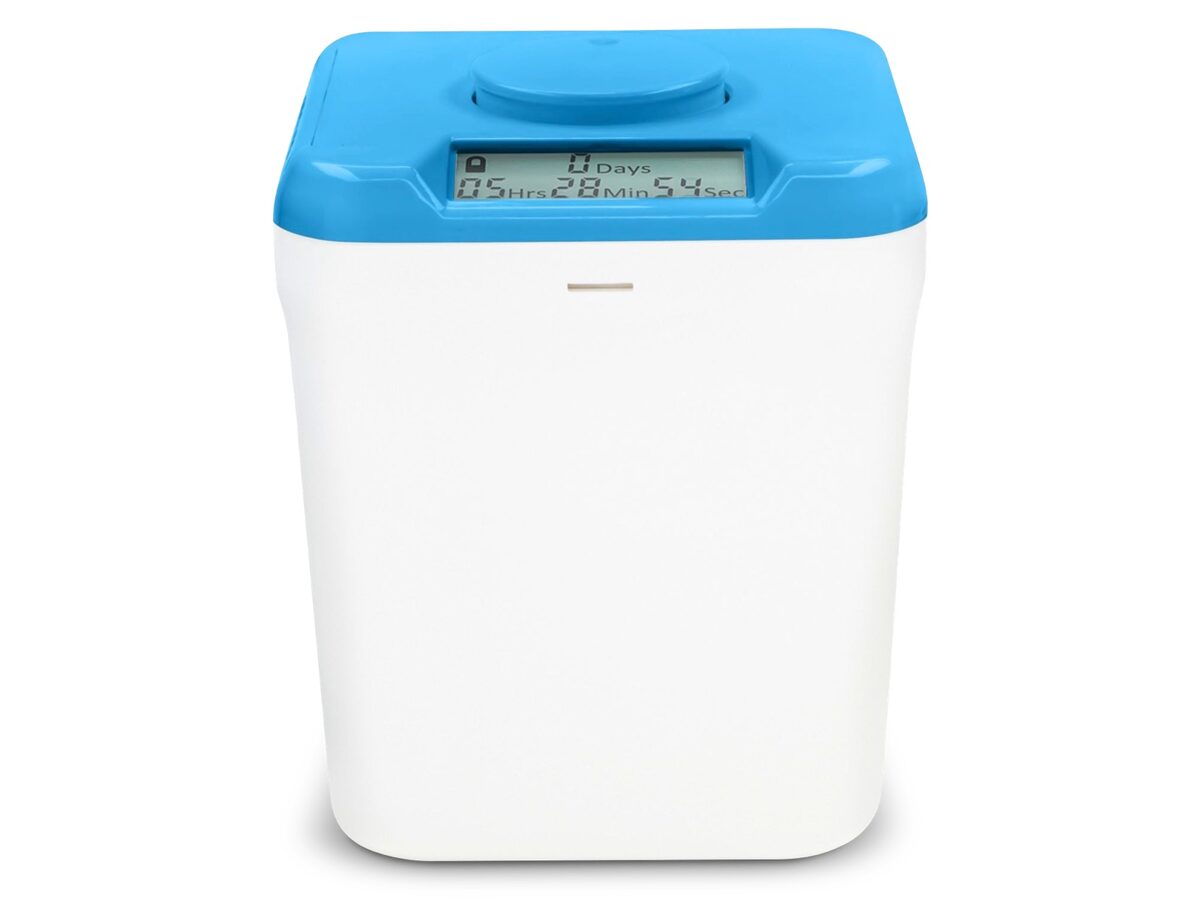
Timed lock box with no override—phone stays inside until the countdown you set actually hits zero.

kSafe
Kitchen Safe
Timed lock box with no override—phone stays inside until the countdown you set actually hits zero.
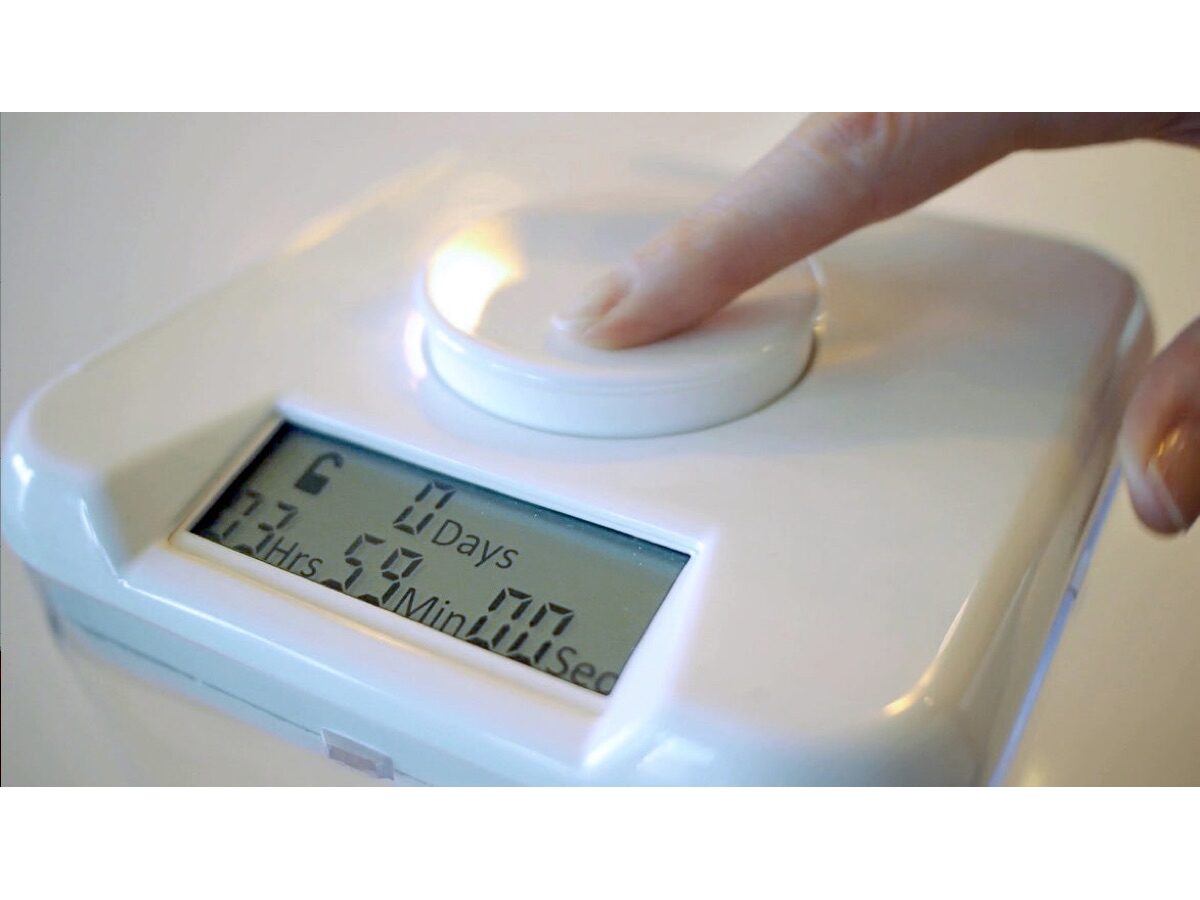
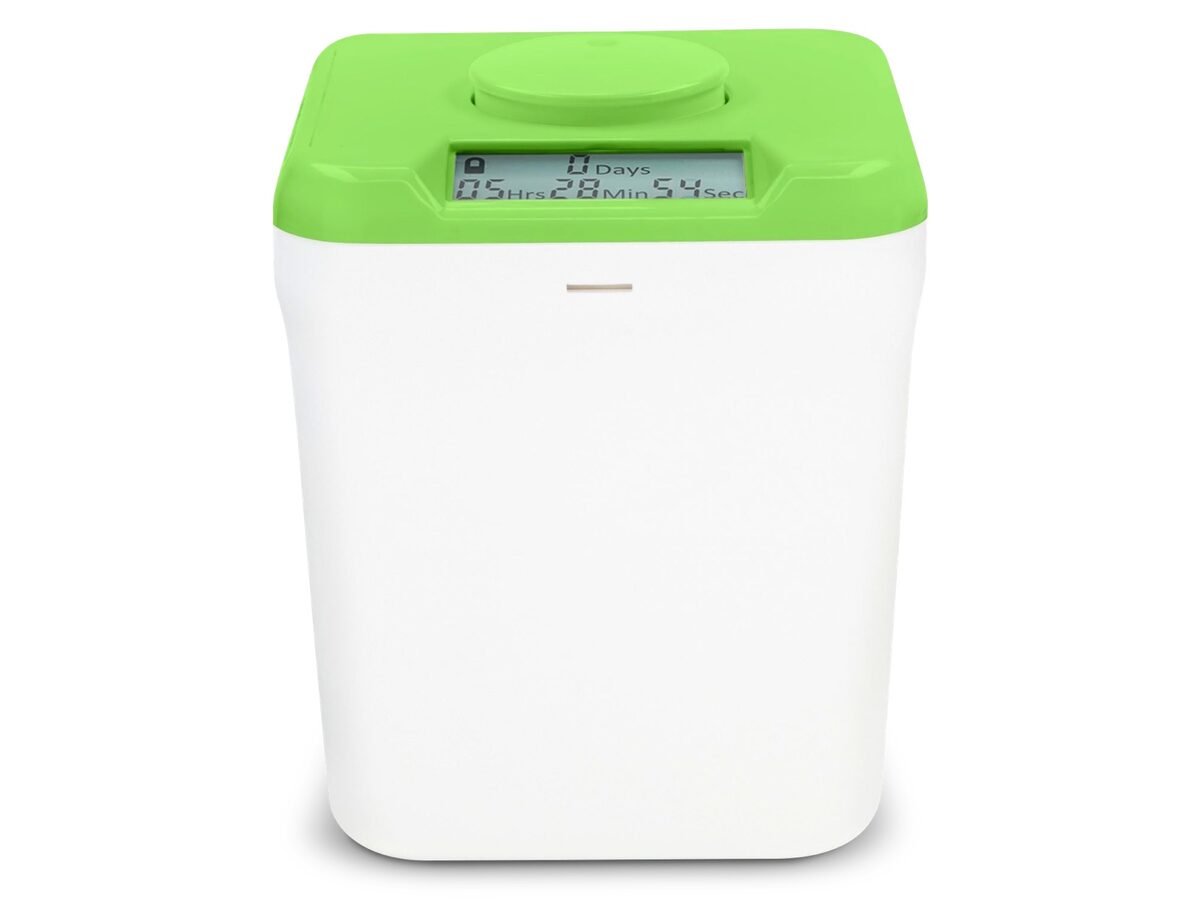
The kSafe is a container with a timer. Set it anywhere from one minute to ten days, press the button, and it stays locked until the countdown ends. The maker's own page says it plainly: no overrides. That's the point. You make the decision once, in a calm moment, and your future self can't argue.
3. Use a focus app if you need the phone nearby
Maybe a family member might need to reach you. Then a softer commitment is better than nothing.
-

Forest
Seekrtech
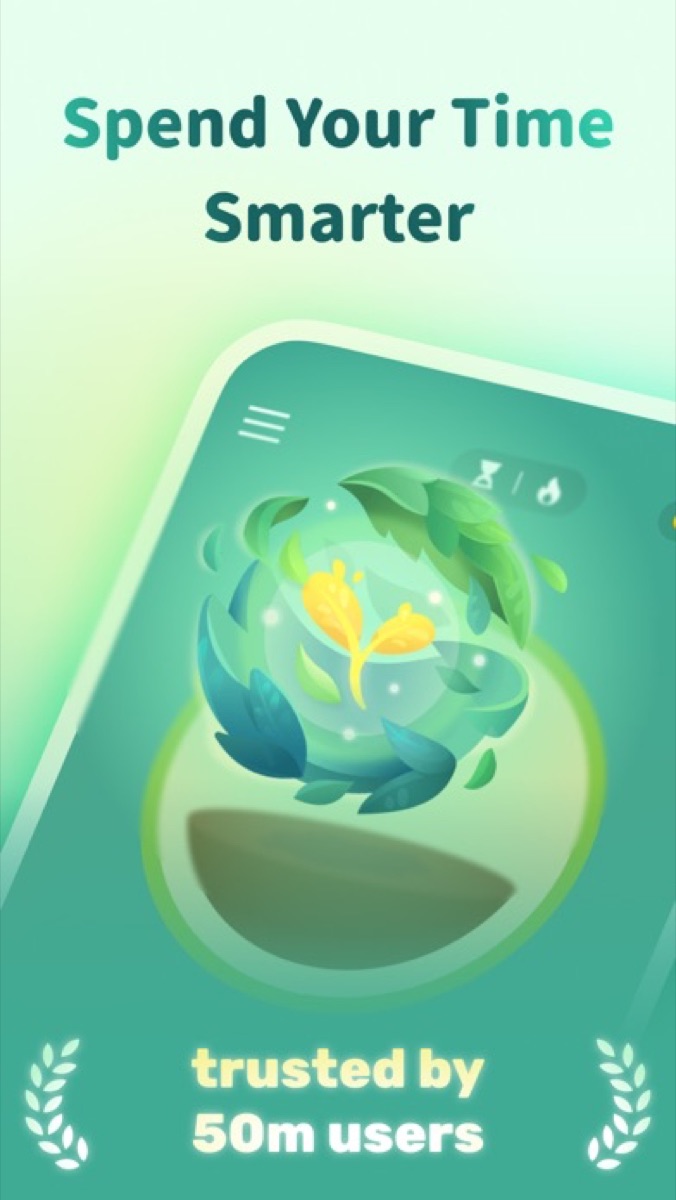
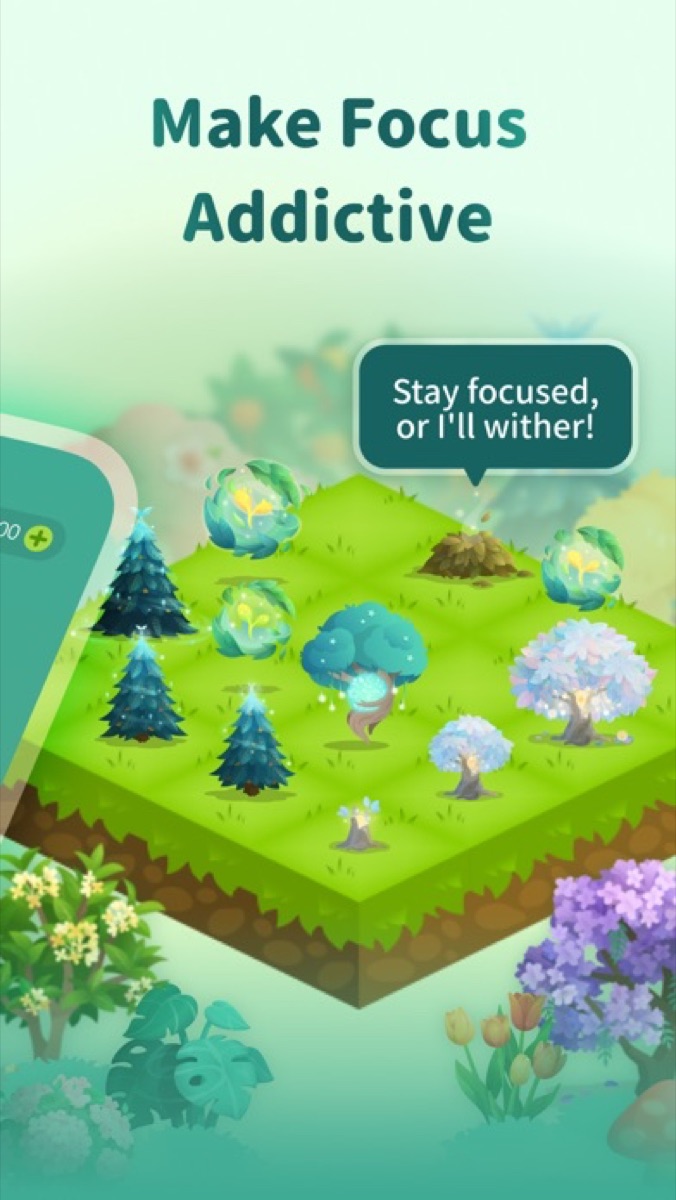
Stay off the phone to grow a tree; break the session and the tree dies—a silly stake that still works.
Forest
Seekrtech
Stay off the phone to grow a tree; break the session and the tree dies—a silly stake that still works.
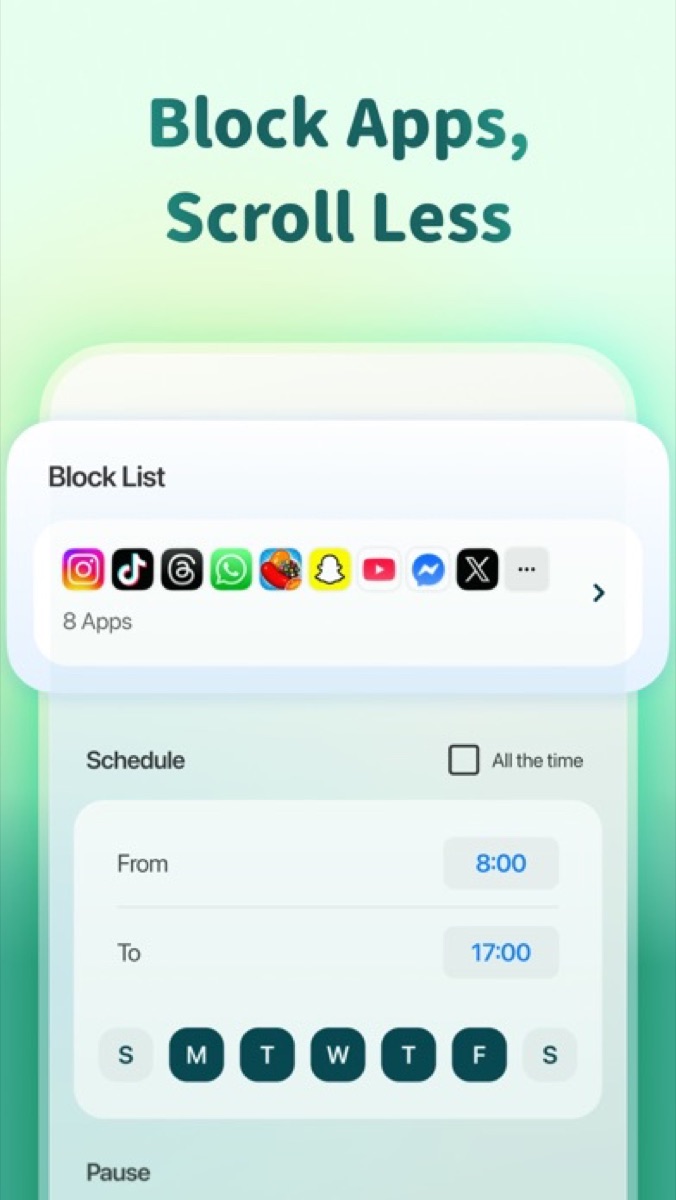
In Forest, you plant a virtual tree and pick a focus length. The tree grows while you stay in the app, and it dies if you switch to a distracting one. It's light, a bit silly, and works better than you'd expect for people who like a visible streak. It won't stop you from leaving the app, though. It only makes you pay for it.
4. Switch to paper flashcards
Plenty of students use flashcard apps. Fair, but every card flip is next to a notification banner.
Paper flashcards give you the same active recall with nothing to interrupt.
-
Oxford Ruled Index Cards
Oxford
One card per task—shuffle the deck to order your day without reopening a noisy to-do app.


Oxford Ruled Index Cards
Oxford
One card per task—shuffle the deck to order your day without reopening a noisy to-do app.
Write the question on the front and the answer on the back. Then sort. Cards you get right go into a pile for later in the week, and cards you miss stay in tomorrow's pile. That's the Leitner system, and it takes about thirty seconds to set up. Moving cards around your desk also keeps your hands busy, which helps if you tend to fidget.
5. Write your plan on reusable paper
Sitting down with "study biology" as your goal gives your brain an exit. Your phone is the nearest door.
Before you start, write down the actual tasks: three problem sets, one reading, one set of cards.
-
Rocketbook Fusion
Rocketbook
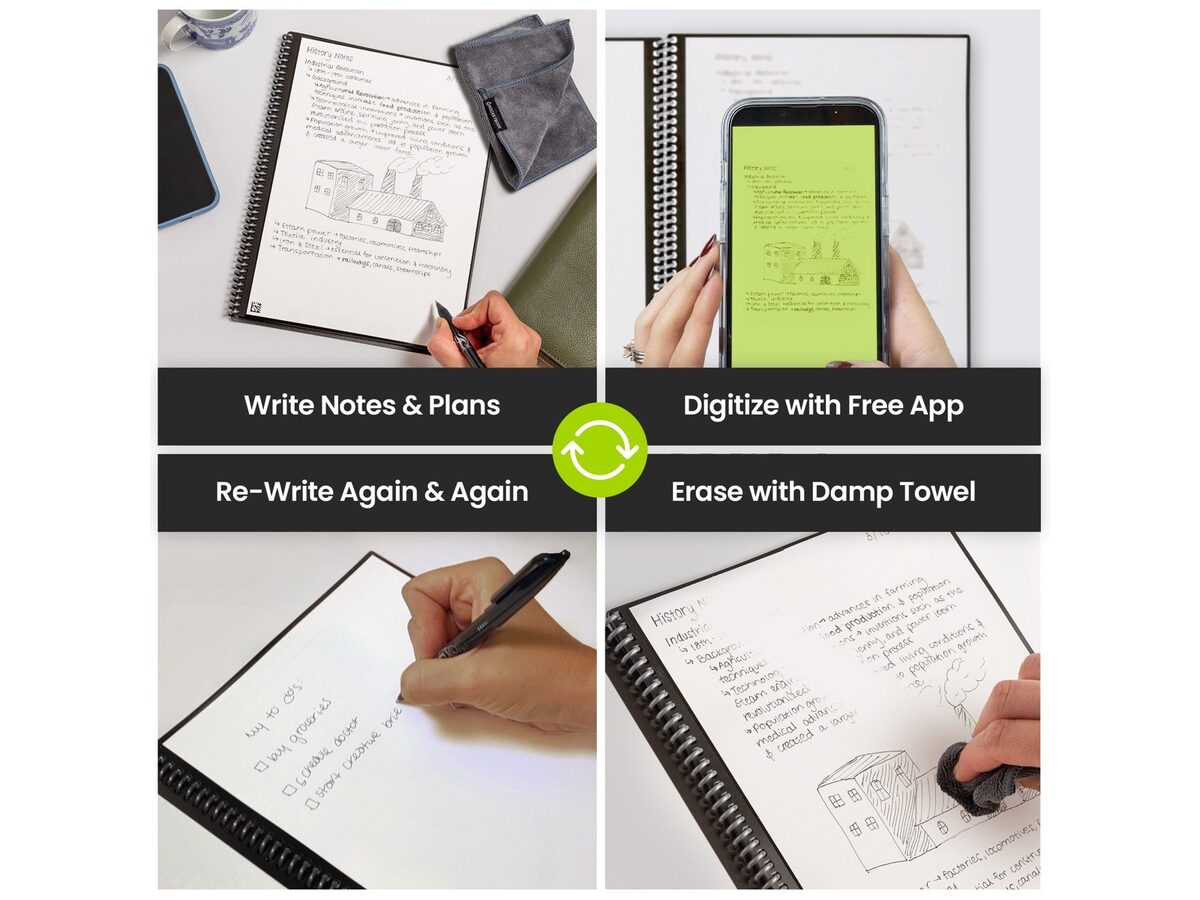
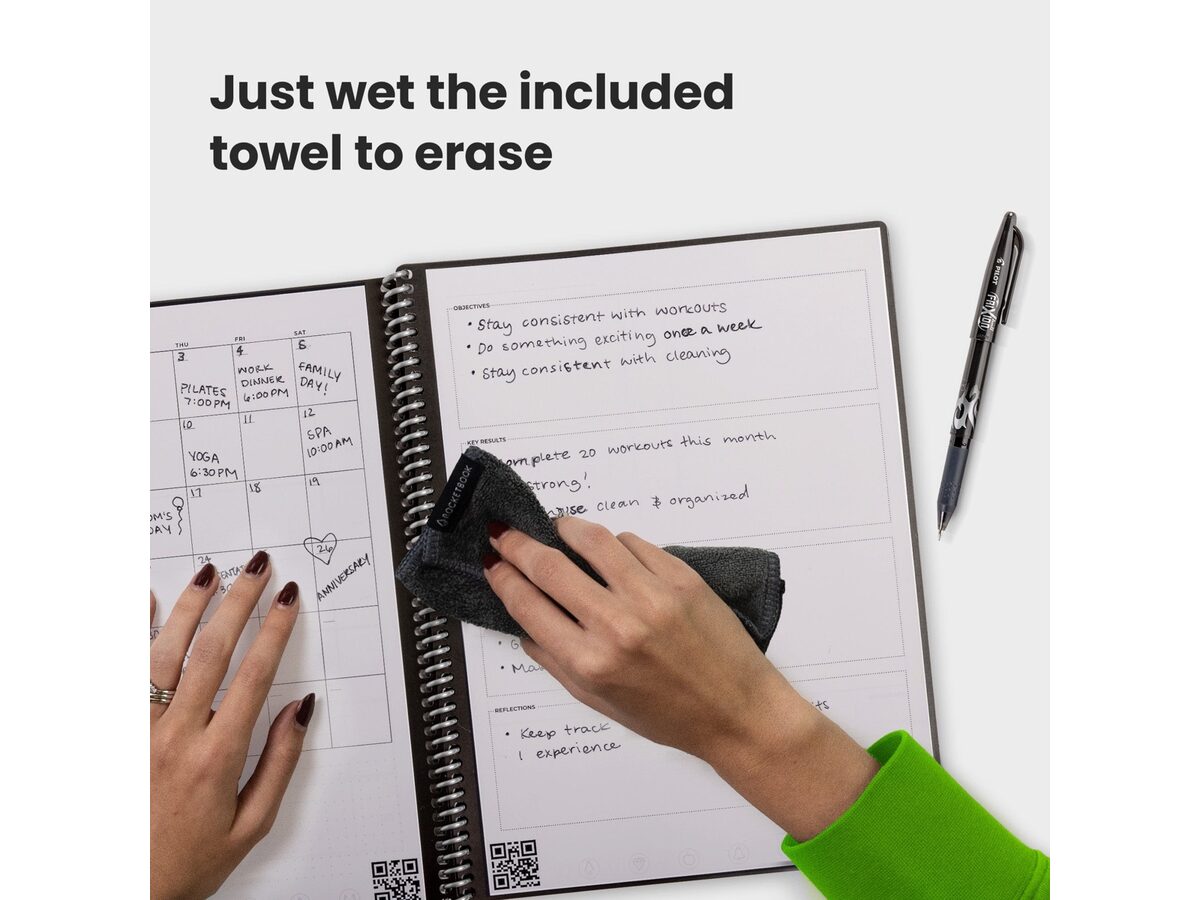
Reusable planner pages—brain dump on paper, scan to the cloud, wipe clean for tomorrow’s list.
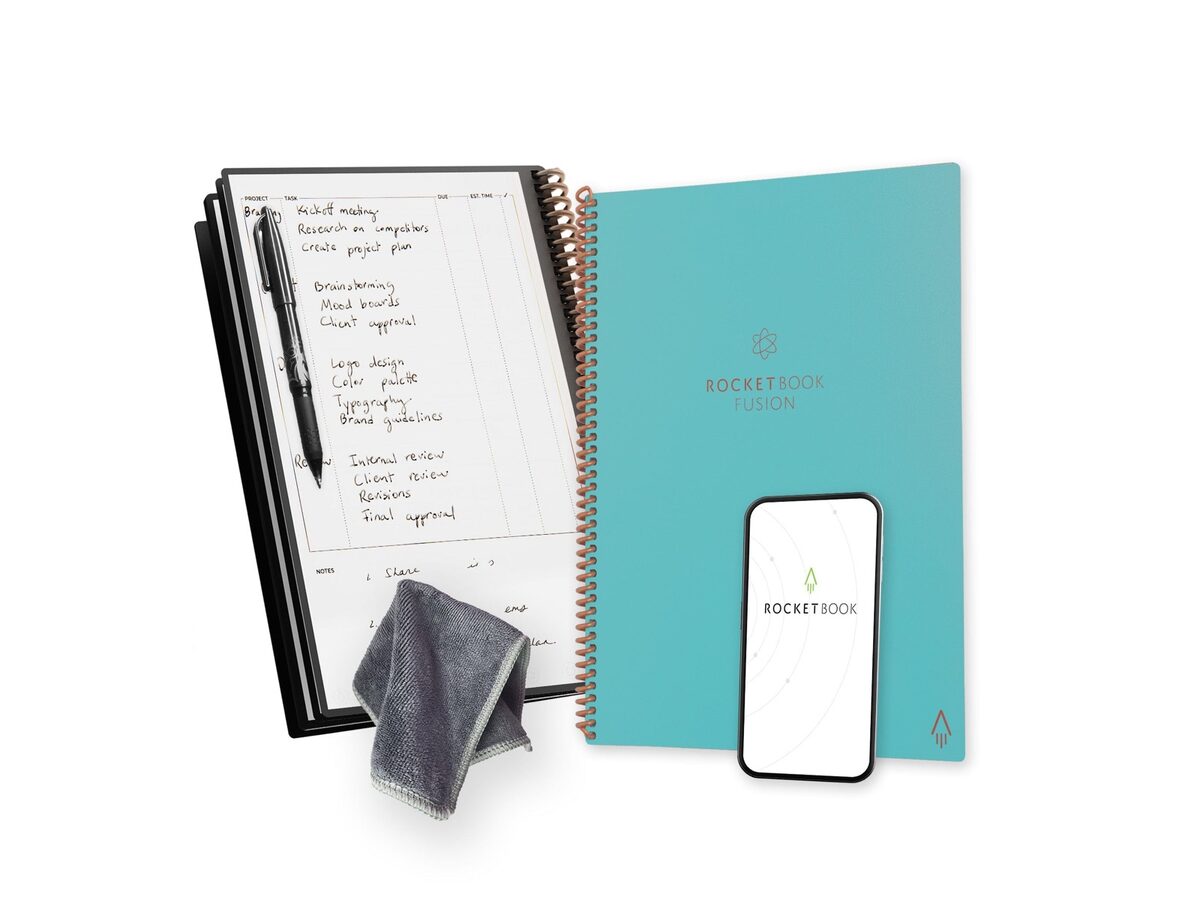
Rocketbook Fusion
Rocketbook
Reusable planner pages—brain dump on paper, scan to the cloud, wipe clean for tomorrow’s list.
The Rocketbook Fusion is a reusable, erasable notebook, so you can plan, work out equations by hand, and wipe it clean later. If you'd rather not spend money, a plain notebook does the same job. The point is writing it down.
For your laptop, our guide to the best app blockers covers the software side.
What if school logins need your phone?
This is the real reason a lot of students keep a phone at their desk. Your university uses Duo, Okta Verify or an authenticator app, and the laptop can't get into the course page without a tap on your phone.
Batch your logins first
Do all of it in the first five minutes, before you start:
- Set out your books and pens.
- Open your laptop and sign in to your learning platform, library portal and email.
- Approve the two-factor prompt on your phone.
- Download every PDF, assignment sheet and slide deck you need.
- Close the messaging tabs, then lock the phone away or put it in the other room.
Now you've got everything you need and no reason to touch the phone again.
Ask whether your school accepts a security key
Some institutions let you use a hardware security key, such as a YubiKey, instead of a phone prompt. You plug it into your laptop and tap it. It's worth emailing your IT desk to ask, since policies vary and not every school allows it.
Ask about desktop options
Some schools support authenticator apps or password managers that generate login codes on your computer. Again, check with IT first. Don't set up workarounds your school hasn't approved.
What about looking things up mid-study?
This one gets everyone. You hit a term you don't know, grab your phone, and twenty minutes later you're watching highlights.
Try a parking lot instead:
- Keep an index card or notepad beside your textbook.
- When you hit something to look up, write it down.
- Don't open a browser. Keep going.
- At the end of a 45-minute block, spend five minutes looking up everything on the list.
You'll find that half the items turn out not to matter for the assignment. The list catches the curiosity without letting it run your afternoon.
If a silent room makes you twitchy, steady sound can help some people. We cover that in brown noise for focus.
FAQ
How do I stop checking my phone while studying?
Put physical distance between you and it. Another room or a timed lock box like the kSafe works best, because it removes the decision in the moment.
Is it better to study with your phone on silent or in another room?
Another room, if you can manage it. A silenced phone on the desk still draws your eyes, and it's still one tap away. Research on "mere presence" is mixed, but the practical case for distance is strong.
What if my parents or friends expect instant replies?
Tell them ahead of time. Send a quick message saying you're studying for two hours and will check in at a set time. For true emergencies, ask close family to call twice in a row, and set your phone's Do Not Disturb to let repeat calls through.
How can I study on my computer without opening distracting tabs?
Use a desktop blocker like Cold Turkey or Freedom to cut off social feeds and video sites during study hours. Download your PDFs in advance so you aren't hunting through browser tabs.
Sources
- Brain Drain: The Mere Presence of One's Own Smartphone Reduces Available Cognitive Capacity (opens in a new tab) – Journal of the Association for Consumer Research, 2017
- Reexamining the "brain drain" effect: A replication of Ward et al. (2017) (opens in a new tab) – Acta Psychologica, 2022
- Does the Brain Drain Effect Really Exist? A Meta-Analysis (opens in a new tab) – Behavioral Sciences, 2023
- UNESCO issues urgent call for appropriate use of technology in education (opens in a new tab) – Global Education Monitoring Report, 2023
- State policies on cellphone use in K-12 public schools (opens in a new tab) – Ballotpedia
- Mobile phones to be banned in schools in England under government plans (opens in a new tab) – The Independent, 2026
- Meet kSafe - The Time Locking Container (opens in a new tab) – Kitchen Safe, 2026
- Forest - Stay focused, be present (opens in a new tab) – Seekrtech, 2026
- Rocketbook Fusion Reusable Smart Notebook (opens in a new tab) – Rocketbook, 2026